





Solutions by Role

AI for every role on your e-commerce team

Pick the role you fill — or the one you wish you could hire — and 24.online sets you up with the AI agents, tools, templates, and integrations built for that exact job. One platform replaces a stack of seller tools, freelancers, and full-time hires.

Trusted by sellers in 60+ countries across Amazon, Walmart, Shopify, and 30+ more marketplaces.

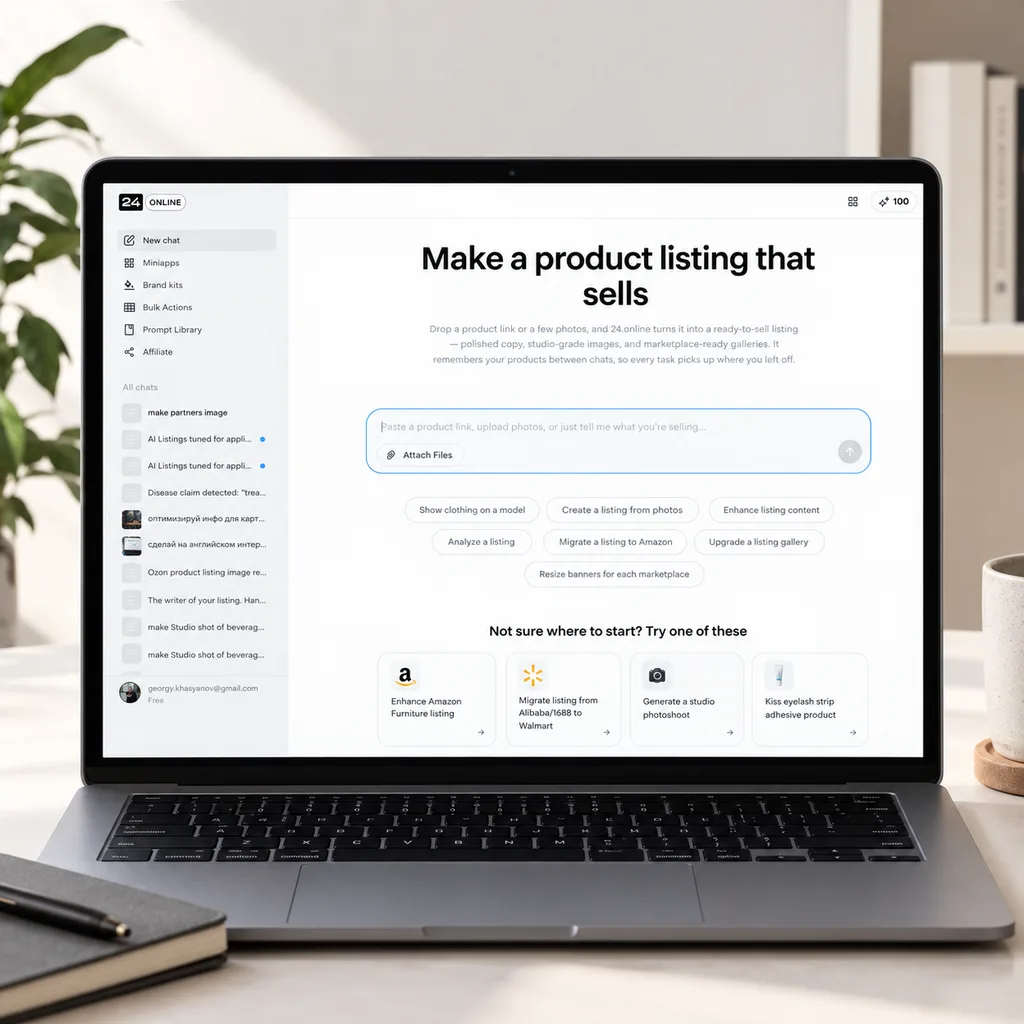
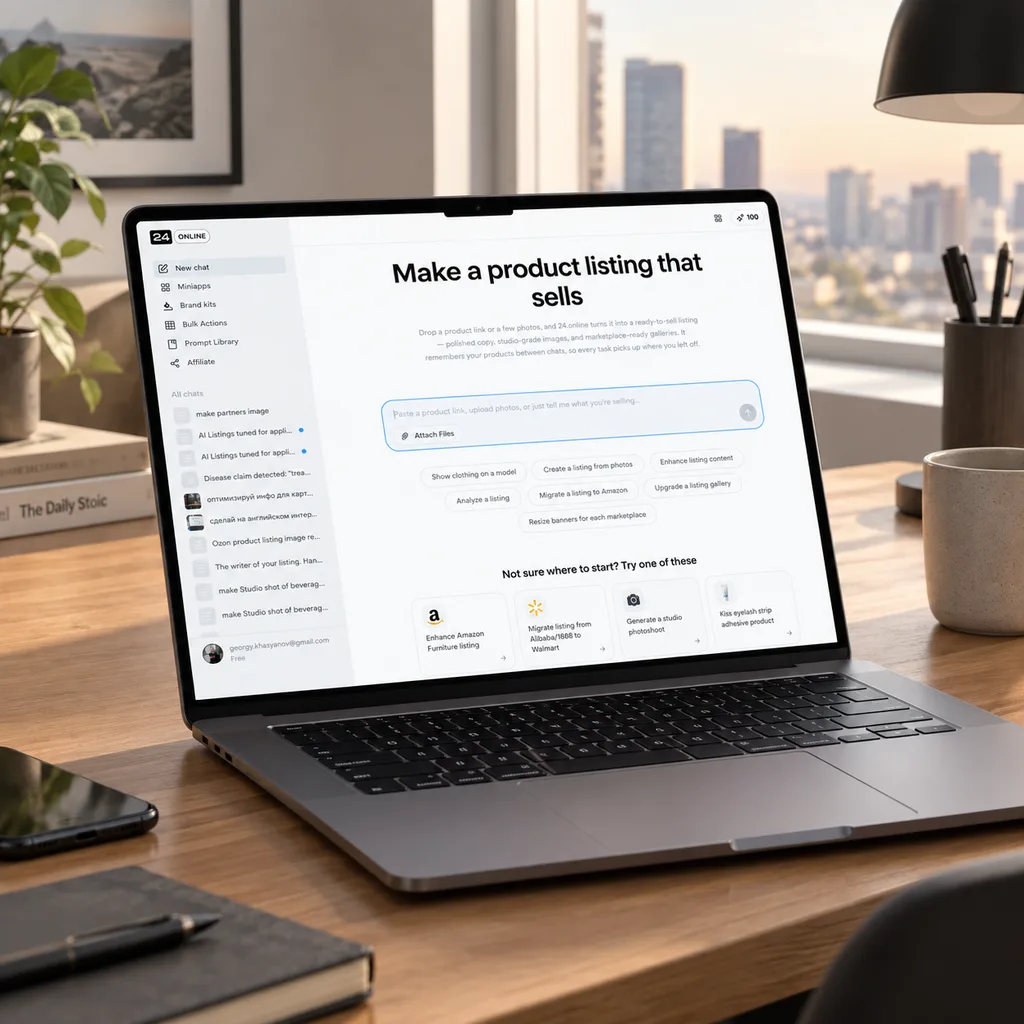
AI Copywriter Interface
Preview interface of 24.online AI workspace tailored for E-commerce Managers

Inside: 24.online for E-commerce Managers

What you'll find inside each role page

Every role page is built the same way — so once you know the layout, you can move between them in seconds. Here's what's inside, using our E-commerce Managers page as the reference.

A connected AI toolset for the role

The exact 24.online agents and tools wired up for that job — listing, copy, photos, infographics, SEO, reviews, pricing, and more.

Real workflows, not feature lists

Step-by-step playbooks for the role's typical tasks — from launching a new product to refreshing a seasonal catalog.

Outcomes you can put on a slide

Metrics and results the role can report up — Listing Quality Score, time-to-shelf, conversion lift, content cost per SKU.

A plan that fits the workload

Suggested seats, credit volume, and integrations matched to a solo operator, an in-house team, or an enterprise catalog.

Or browse by team

Not every role works alone. If you're scoping 24.online for a department or an agency, start with the team that owns the work.

Marketing & SEO

Drives traffic, share of search, and paid performance across channels.

3 roles

Content & Copy

Owns the words on the product page — titles, bullets, descriptions, and A+ Content.

1 role

Visual Production

Produces every image, infographic, and creative on the listing.

3 roles

Solo operator or full team — same roles, different setup

One person, many hats

Solo / freelance

You wear five hats before lunch. 24.online lets one person run copy, photos, design, SEO, and reviews from a single workspace and one credit pool.

  • Run multiple roles from one workspace and one credit pool.
  • Switch between copy, photos, and SEO tasks without changing tools.
  • Start free, scale up only when your catalog does.

Many people, one brand

In-house team / agency

Each role has its own person — and they all need to ship work that looks like one brand. Shared brand assets, approvals, and seat-level access keep the team aligned.

  • Shared brand glossary, templates, and tone across every role.
  • Role-based access, approvals, and review chains in one place.
  • Seats, credits, and integrations sized to the team's output.

The AI agents and tools behind every role

Role pages aren't abstract "AI." They're powered by specific 24.online products — the same ones you can pick a la carte. Here are the ones doing the heavy lifting most often.

See all products

AI Listing Enhancer

Upgrades an existing listing — title, bullets, description, and images — in one pass.

AI Listing Score

Scores any listing against marketplace rules and gives a clear path to a higher rank.

AI Product Title Generator

Writes marketplace-ready titles with the right keywords, length, and brand tone.

AI Product Description Generator

Drafts short, long, HTML, and A+ Content versions of any product description.

AI Background Generator

Swaps any background — white, transparent, lifestyle, or scene — at scale.

AI Lifestyle Photos Generator

Turns a plain product shot into in-context scenes with people, pets, and interiors.

AI Infographics Generator

Builds feature-and-benefit infographics from templates tuned to each marketplace.

AI Localization

Translates and adapts listings for new markets with brand glossary and translation memory.

AI Assistant for eCommerce

A single chat-style entry point to every 24.online tool, agent, and workflow.

AI Agents for Sellers

Specialized agents that take a task end-to-end — listing, photos, SEO, reviews, pricing.

From role to results in four steps

01

Pick your role

Choose the role you fill yourself, or the one you'd rather not hire for. You can pick more than one if you wear several hats — the workspace adjusts to all of them.

02

Get your toolset

24.online sets up a workspace with the AI agents, tools, prompts, and templates pre-tuned for that role — plus the brand rules and marketplace presets it needs.

03

Run your typical tasks

Write copy, generate photos, build infographics, localize listings, answer reviews, run audits — all inside 24.online, in single-SKU mode or in bulk across the catalog.

04

Measure and scale

Track Listing Quality Score, conversion, time-to-shelf, and content cost per SKU — then roll the same setup out to the rest of the catalog or the wider team.

What roles get with 24.online

Real numbers from real workflows on the platform. Each tile names the role most likely to put it on a slide.

~2 minutes
From product photo to a published listing
for E-commerce Managers
48 listings
Built and ready to ship in 2 hours
for Marketplace Managers
Higher LQS
Listing Quality Score lift across the catalog
for Content Managers · case-by-case
No photographer
Studio-grade shots from a phone photo
for Product Photographers · Retouchers
1st-pass approval
Listings that clear marketplace moderation on the first try
for Marketplace Managers · case-by-case
1 platform
Replaces a stack of seller tools, freelancers, and Photoshop seats
for E-commerce Marketers · Retouchers · SEO Specialists

Real tasks, real roles, run on 24.online

Refresh 200 listings for a new season in a single day

Dashboard showing bulk listing refresh progress

Bulk listing refresh in 24.online

  1. 1

    Pull the seasonal SKU list from the catalog into 24.online.

  2. 2

    Apply the seasonal brand rules and refreshed copy templates in bulk.

  3. 3

    Generate new lifestyle photos and seasonal infographics for the set.

  4. 4

    Push the updated listings to each marketplace and track approval.

Open the Marketplace Managers page

Rewrite a full catalog under a new brand tone and keyword map

Side-by-side comparison of old and new product copy

Catalog-wide copy refresh

  1. 1

    Load the brand tone, glossary, and target keyword clusters once.

  2. 2

    Regenerate titles, bullets, and descriptions across the catalog.

  3. 3

    Review changes side by side and approve in batches.

  4. 4

    Sync the rewritten copy back to every marketplace.

Open the Copywriters page

Turn 50 phone photos into studio-grade product shots

Before and after comparison of product photography

Phone-to-studio in one pass

  1. 1

    Drop raw phone photos into the workspace.

  2. 2

    Auto-clean backgrounds, light, and color across the batch.

  3. 3

    Generate lifestyle, on-model, or in-scene variants per SKU.

  4. 4

    Export at every marketplace's required size and ratio.

Open the Product Photographers page

Build a keyword cluster and optimize Amazon snippets in one pass

Keyword clustering tool interface with ranking scores

Keyword research to ranked listing

  1. 1

    Research and cluster keywords for the target category.

  2. 2

    Score current listings against the cluster and search intent.

  3. 3

    Rewrite titles, bullets, and backend keywords to match.

  4. 4

    Track share of search and rank weekly.

Open the SEO Specialists page

Roll out infographics across an entire catalog from one template

Template editor applying infographics to multiple products

Catalog-wide infographic rollout

  1. 1

    Set the brand template and feature blocks once.

  2. 2

    Auto-fill product features and benefits from the catalog.

  3. 3

    Generate marketplace-spec versions for Amazon, Walmart, and others.

  4. 4

    Approve, export, and upload in bulk.

Open the E-commerce Designers page

Run bulk background swaps, shadows, and upscales overnight

Batch processing queue for image retouching

Overnight bulk retouching

  1. 1

    Upload a batch of raw product images.

  2. 2

    Apply background, shadow, and upscale presets in one job.

  3. 3

    Spot-check and re-run any rejects automatically.

  4. 4

    Hand off cleaned, marketplace-ready assets in the morning.

Open the Retouchers page

Audit Listing Quality Score and lift it across the catalog

Listing quality score dashboard with actionable alerts

From audit to higher LQS

  1. 1

    Run a Listing Audit on the full catalog.

  2. 2

    Sort SKUs by Listing Quality Score and biggest gaps.

  3. 3

    Apply fixes — copy, images, attributes — in priority order.

  4. 4

    Re-score and report progress to the team.

Open the Content Managers page

Launch a retail media campaign with on-spec creatives

Ad creative generation tool for retail media networks

Brief to live retail media campaign

  1. 1

    Brief the campaign once — audience, offer, marketplace.

  2. 2

    Generate on-spec creatives for Amazon Sponsored Brands and beyond.

  3. 3

    Pair them with PPC keyword themes and ad copy.

  4. 4

    Approve and ship to the ad platforms.

Open the E-commerce Marketers page

A plan that fits how your roles actually work

Three working contours — solo, team, enterprise. Exact pricing, credits, and limits live on the Pricing page.

See full pricing and credits

For Solo

One person closing several roles at once — copy, photos, SEO, reviews — in one workspace.

  • Single-seat workspace with access to every role's toolset.
  • One credit pool shared across copy, photos, infographics, and video.
  • Templates and brand rules stored once, reused everywhere.
  • Free tier to try the core workflow before paying.
Start Free
Most popular

For Team

A few specialists working side by side — different roles, one brand, one catalog.

  • Multi-seat workspace with role-based access.
  • Shared brand glossary, templates, and tone across roles.
  • Approval and review chains for copy, images, and listings.
  • Centralized credits and usage reporting per role.
Compare Plans

For Enterprise

Large catalogs, multi-marketplace presence, security and integration requirements.

  • Public API, SDK, and webhooks for catalog and content.
  • SSO, audit logs, and enterprise-grade security controls.
  • Integrations with PIM, DAM, ERP, OMS, and retail media systems.
  • Dedicated success manager and onboarding support.
Contact Sales

Plug into the marketplaces and platforms you already sell on

Every role's toolset connects to the channels where your listings actually live.

Amazon
Walmart
eBay
Etsy
Noon
Wildberries
Ozon
Mercado Libre
Shopee
Lazada
Shopify
WooCommerce

Questions about role-based solutions

Everything teams ask before picking the entry point that fits their setup. Still unsure which way in?

Contact Support →

Start with a role page if your question is "what does my job look like inside 24.online." Start with a marketplace page if your question is "what does selling on Amazon (or Walmart, or Shopify) look like inside 24.online." They cover the same product from different angles, and they link to each other — so the second one is one click away. Browse all marketplace and platform options under Solutions by Marketplace and Solutions by Platform .

Pick the role that owns most of your week, then keep the others bookmarked. The workspace itself isn't locked to a single role — every plan gives you access to the full toolset, so you can hop into the Copywriter view in the morning and the SEO view in the afternoon. The role page is the on-ramp, not a cage.

Yes. Team and Enterprise plans include a shared brand glossary, templates, and tone settings that every role pulls from. Copywriters, designers, and SEO specialists all work against the same source of truth, and approval chains keep changes reviewed before they reach a marketplace.

Usually, no. Adding a role doesn't unlock new tools, because every role draws from the same product catalog. You'd only revisit your plan if the volume — credits, seats, integrations — needs to grow. Pricing details live on the Pricing page .

Every role page lists the exact products powering it — AI Listing Enhancer, AI Product Photos, AI Infographics, AI Localization, and others. Each product also has its own page with full feature detail, so you can drill from "what my role does" down to "which tool does it." Start with the Products overview .

They work across all the channels 24.online supports — Amazon (including FBA, FBM, and country-specific versions), Walmart, eBay, Etsy, Noon, Wildberries, Ozon, Mercado Libre, Shopee, Lazada, TikTok Shop, and more, plus Shopify, WooCommerce, BigCommerce, Magento, Wix, and other e-commerce platforms. The full list lives under Solutions by Marketplace and Solutions by Platform .

Yes. The free tier covers the core workflow on every role page, plus a set of free tools — text, image, and audit utilities — you can use without signing up for a paid plan. It's enough to test the part of the workflow you care about most before committing.

Role pages show how 24.online slots into the way your team already works today — you in your role, with AI behind you. The Virtual Team section flips the angle: it shows 24.online as a stand-in for a role you'd otherwise hire — AI Copywriter, AI Designer, AI SEO Specialist, and so on. Same product, two different ways to frame the buy.

Pick your role and start in minutes

Try the core workflow free, or book a 30-minute demo to set up 24.online for your full team.

Free tier · No credit card required · 30-minute setup demo on request