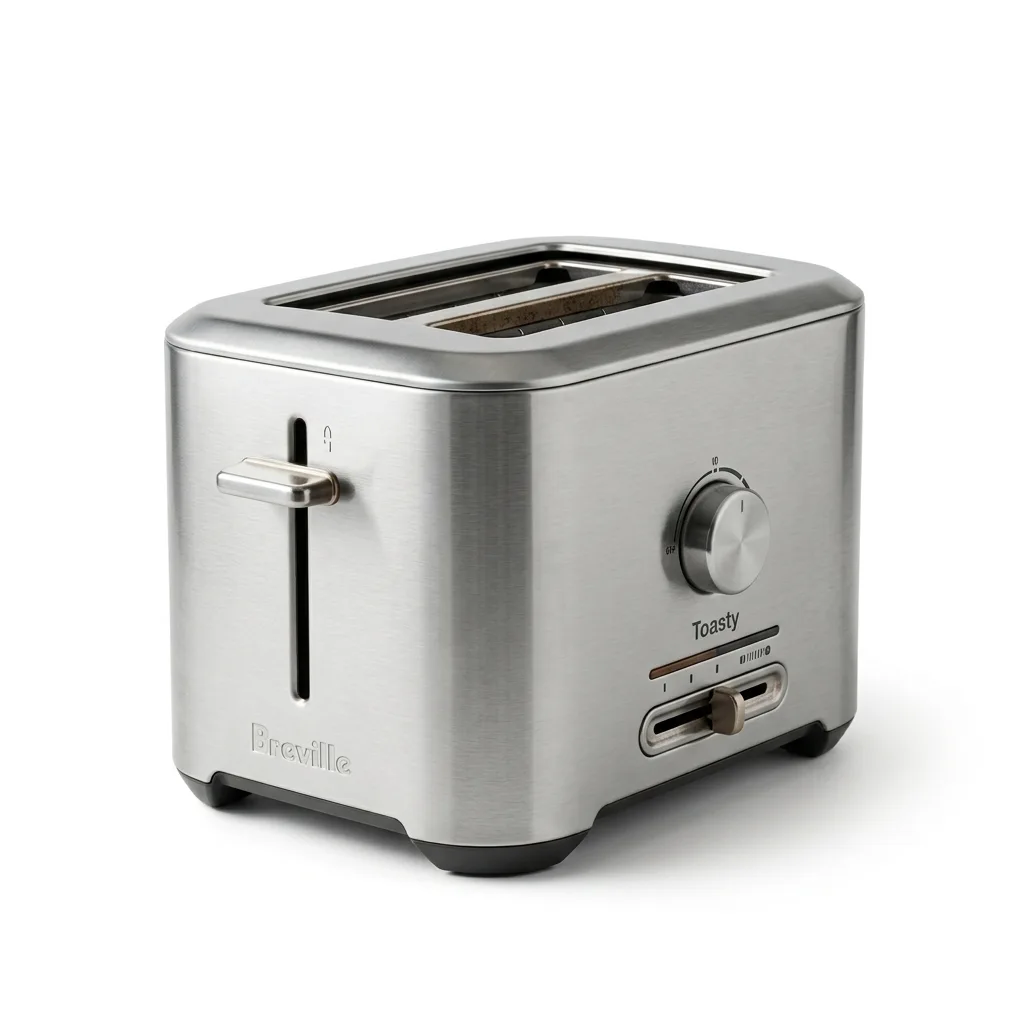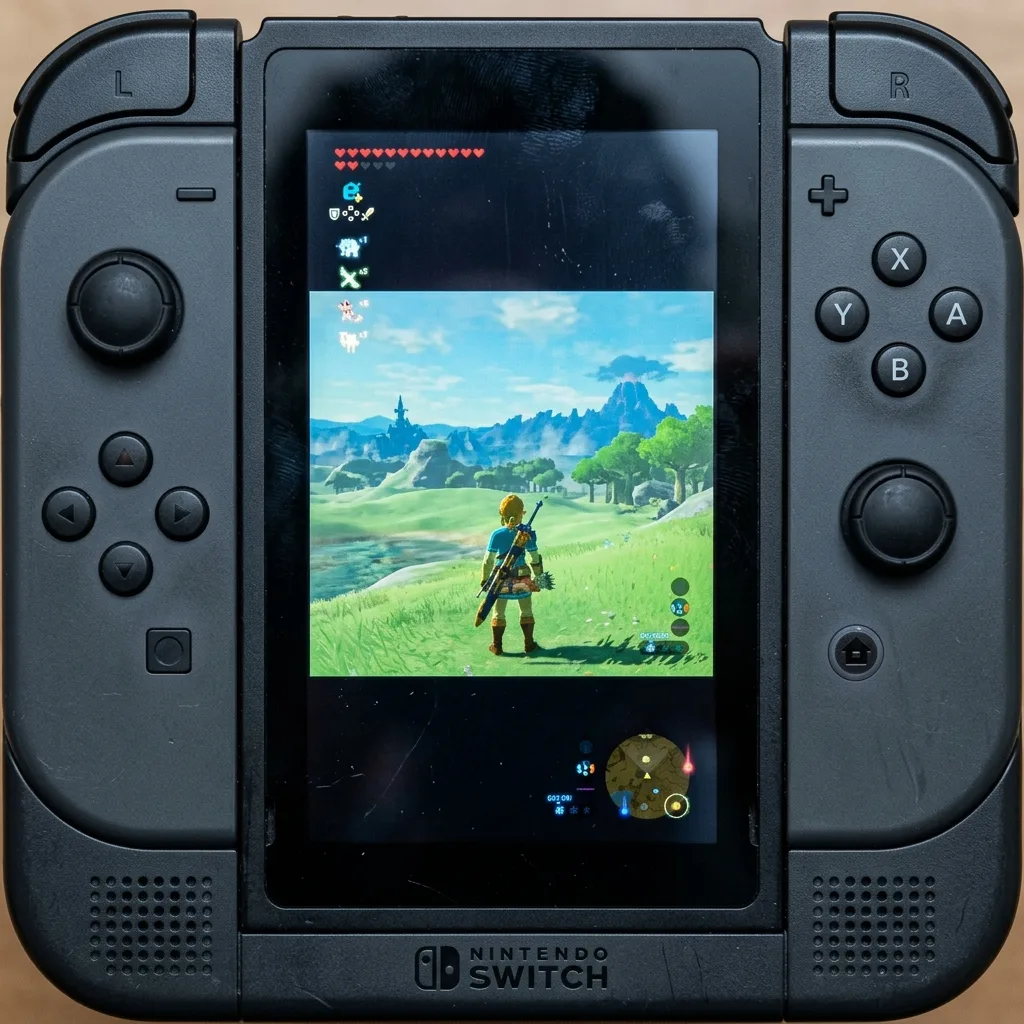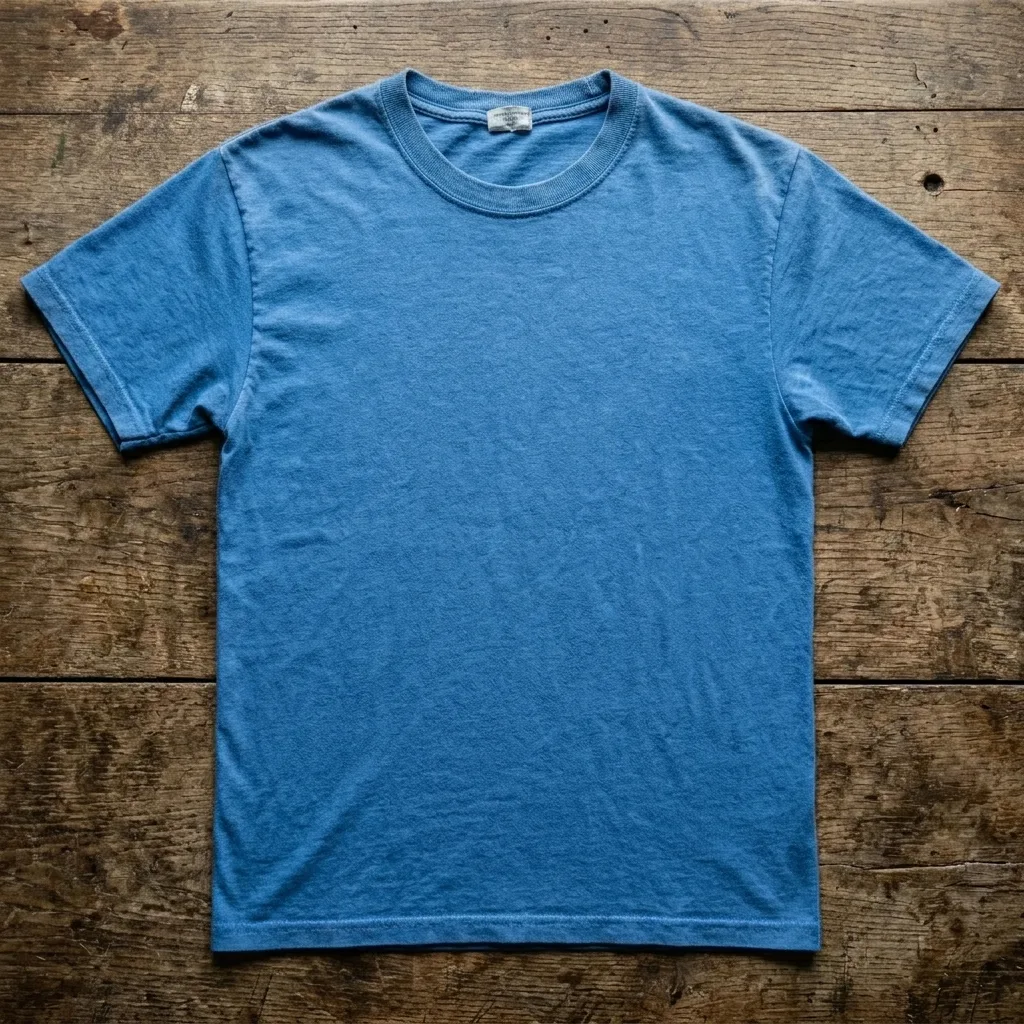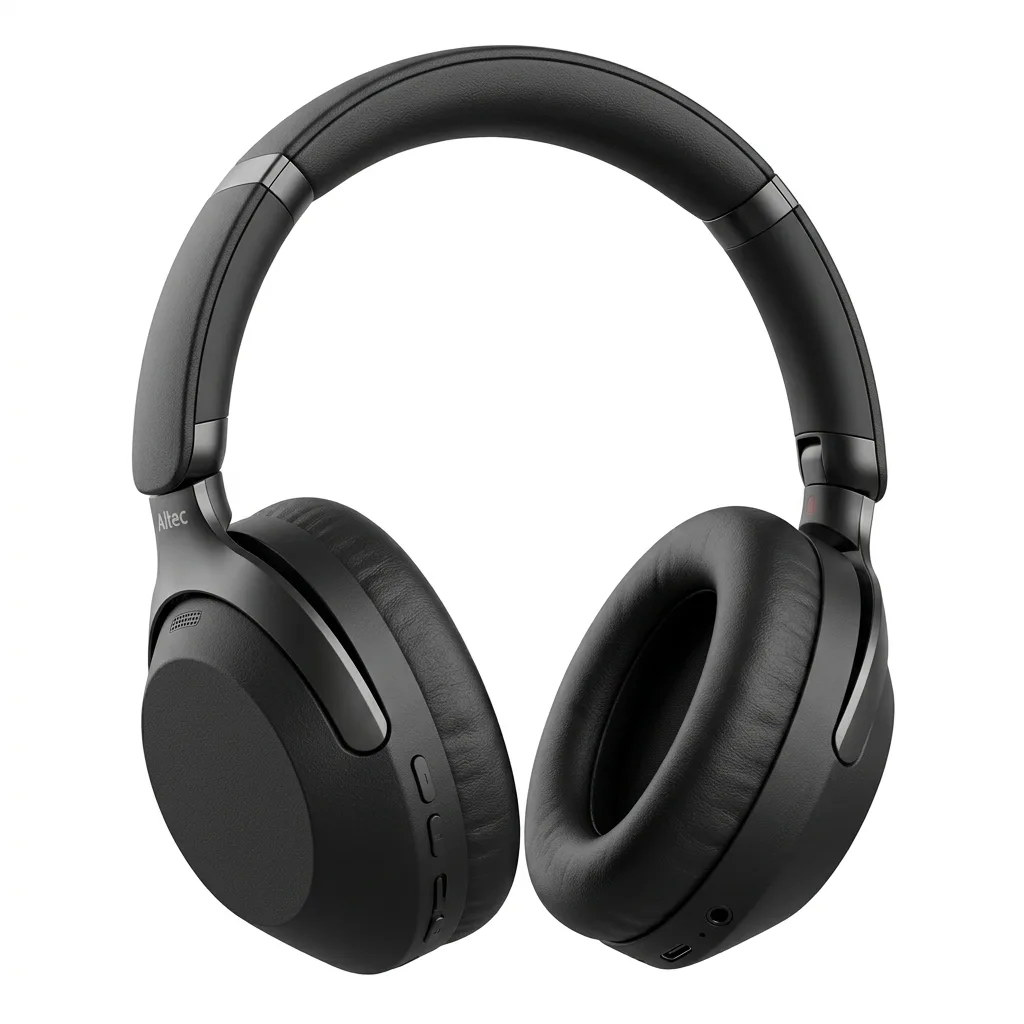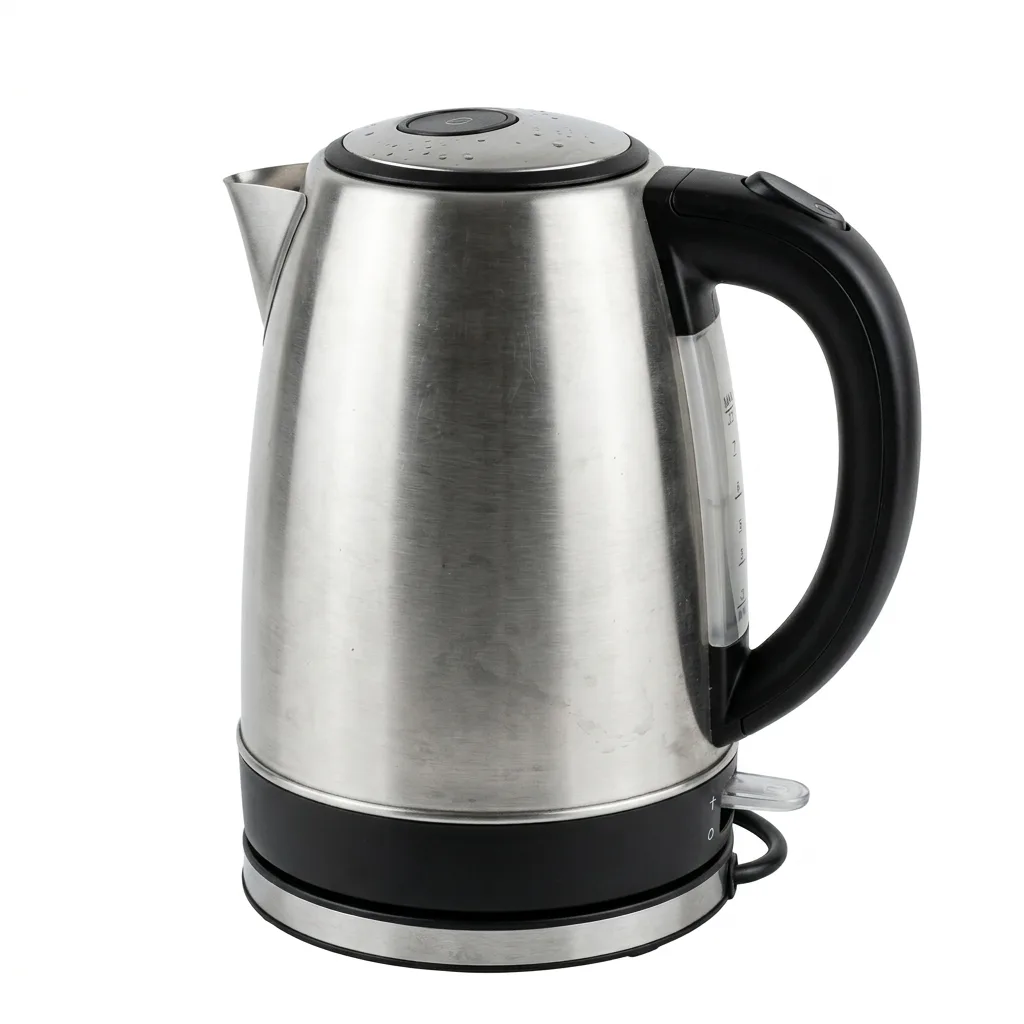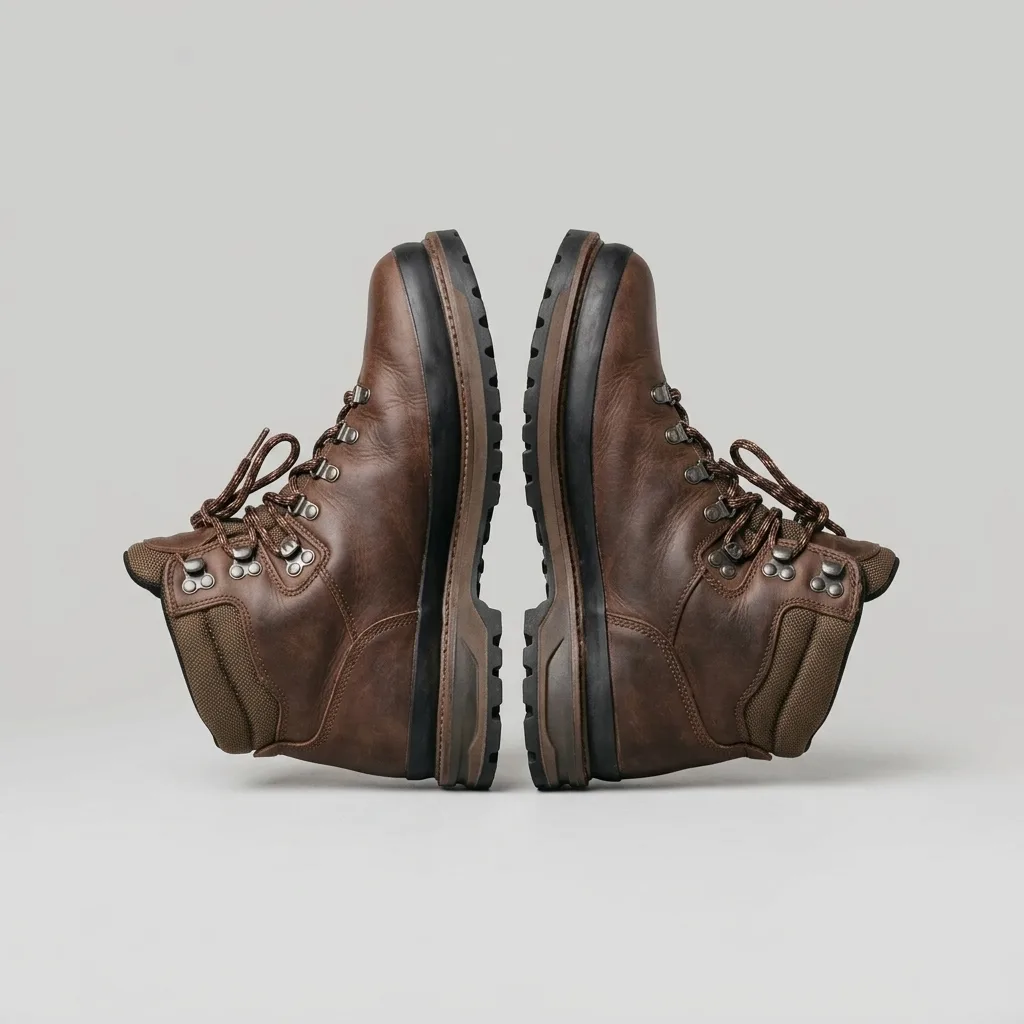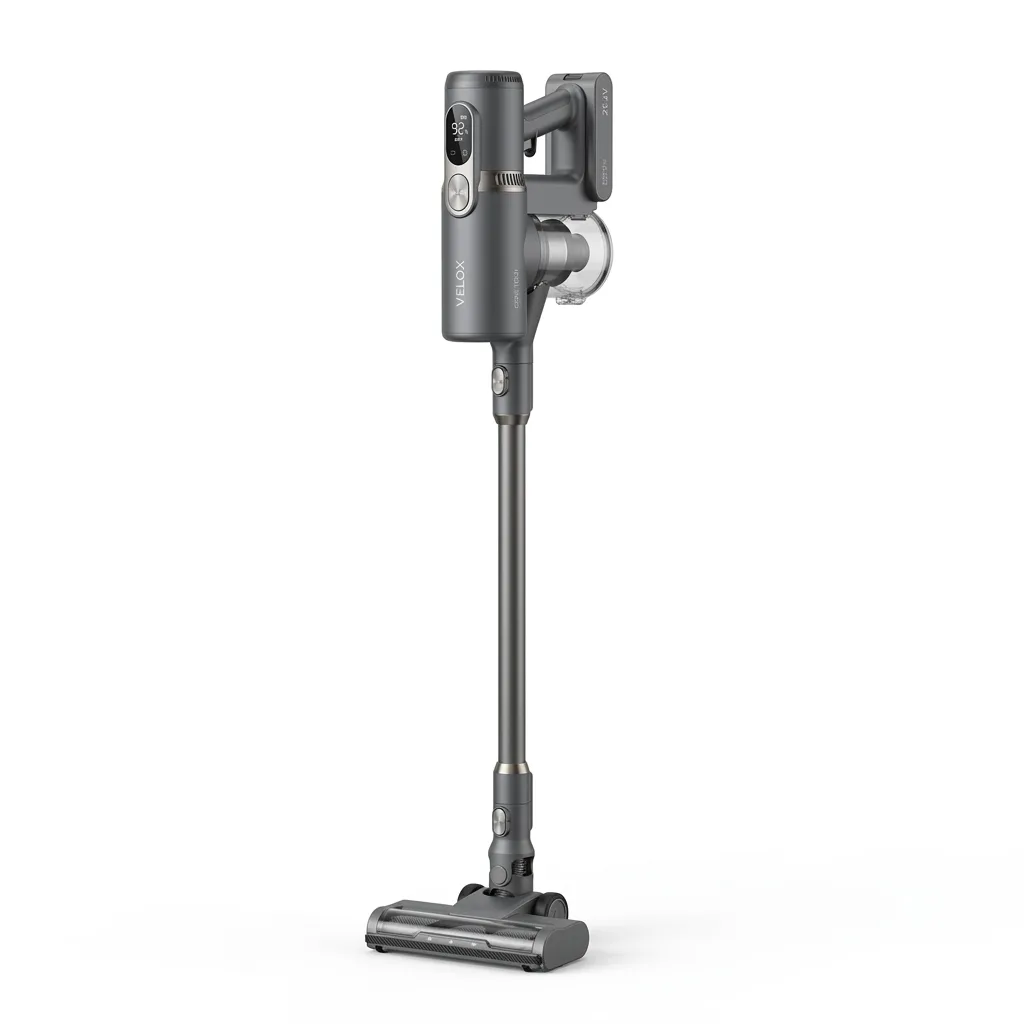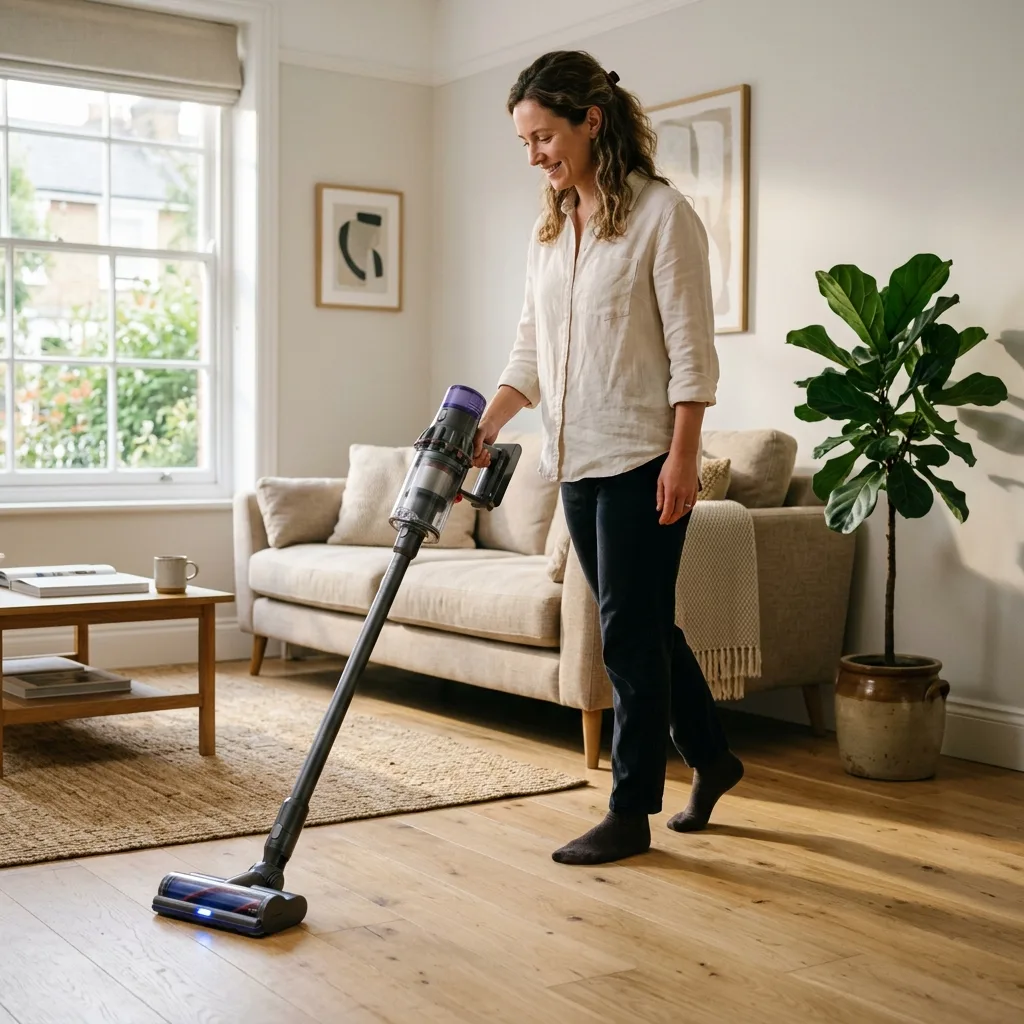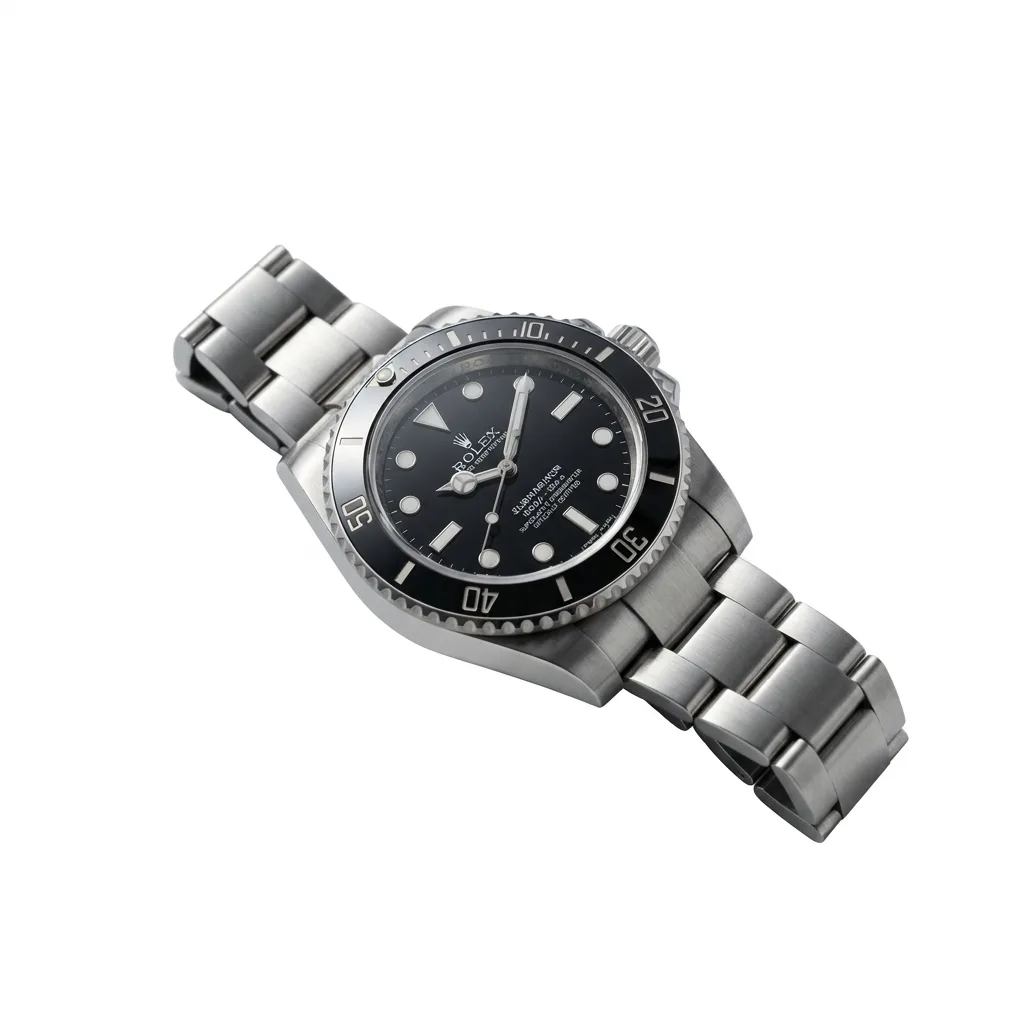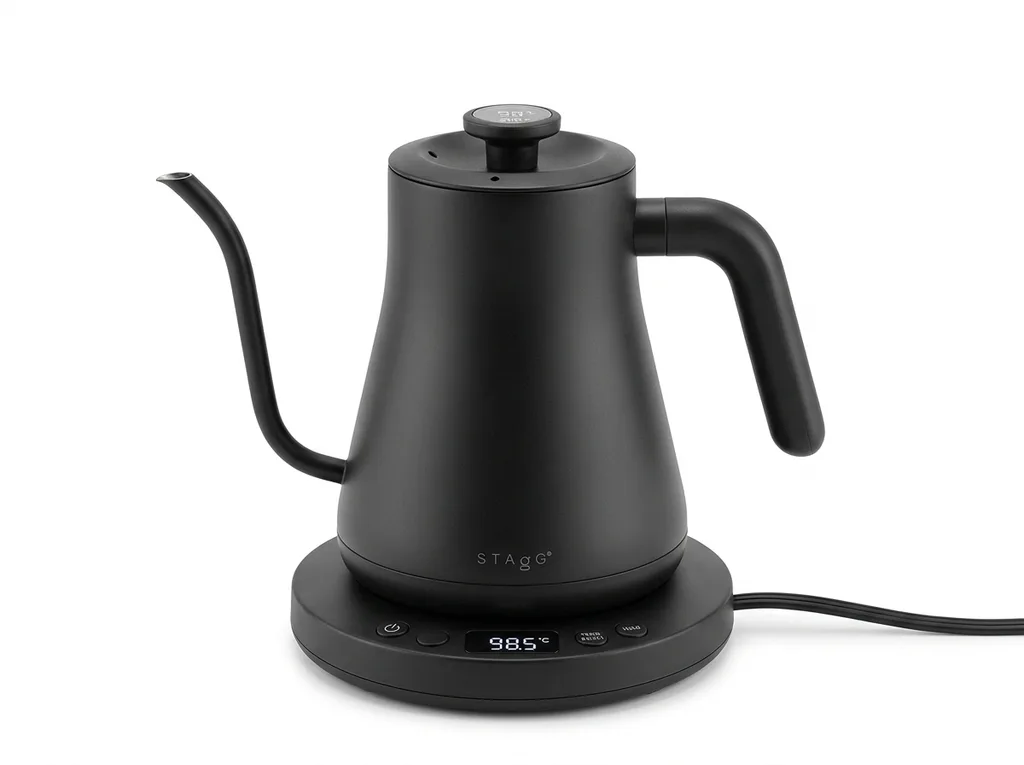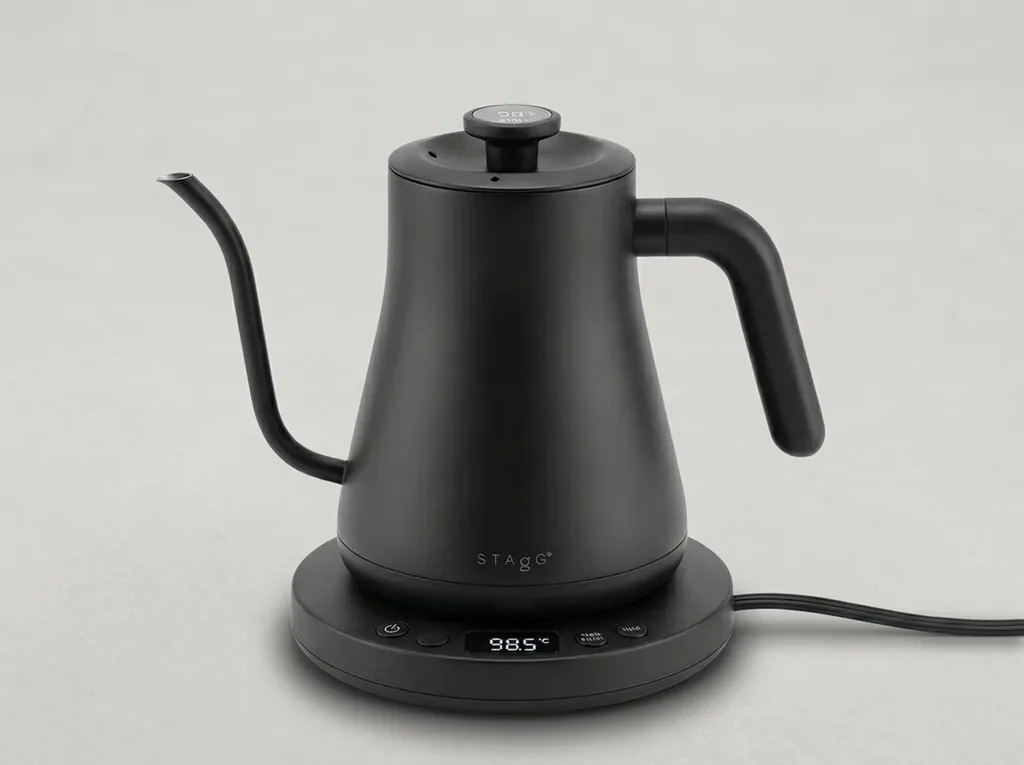
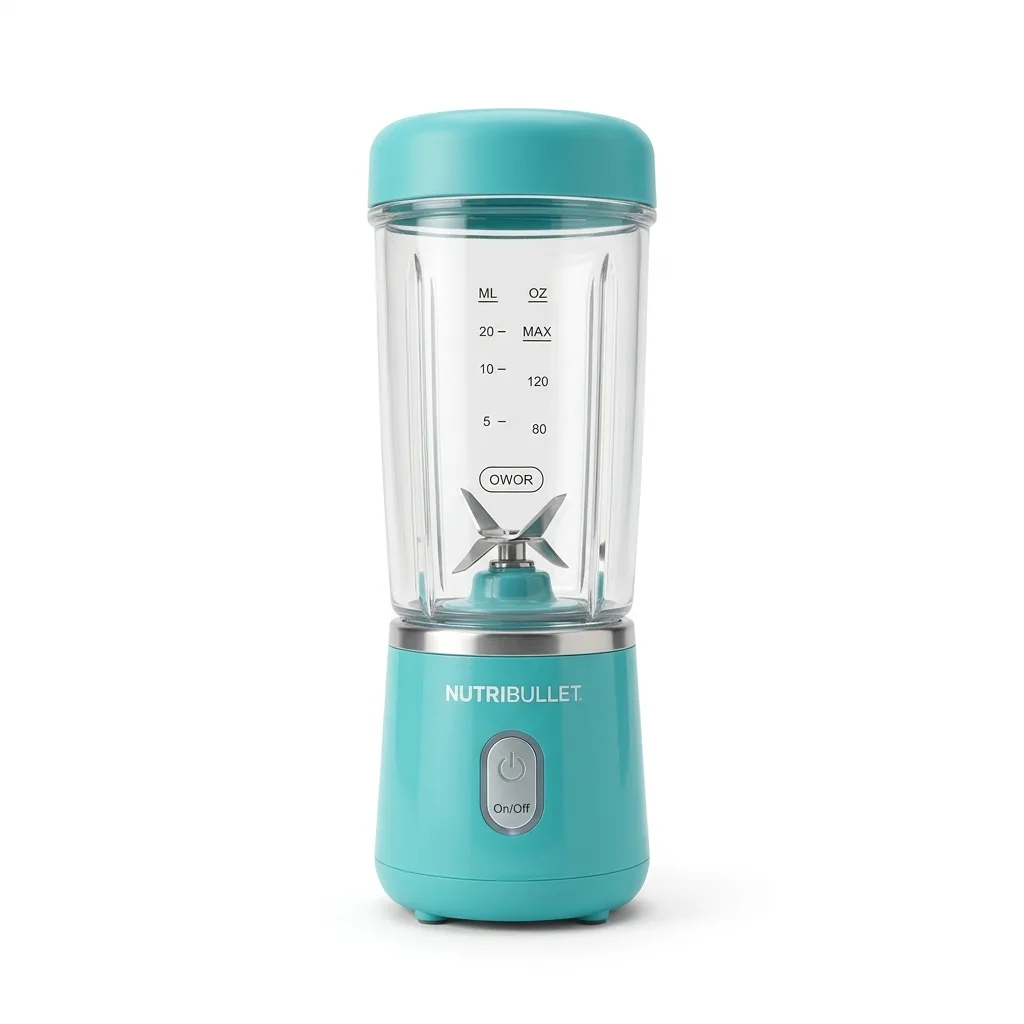
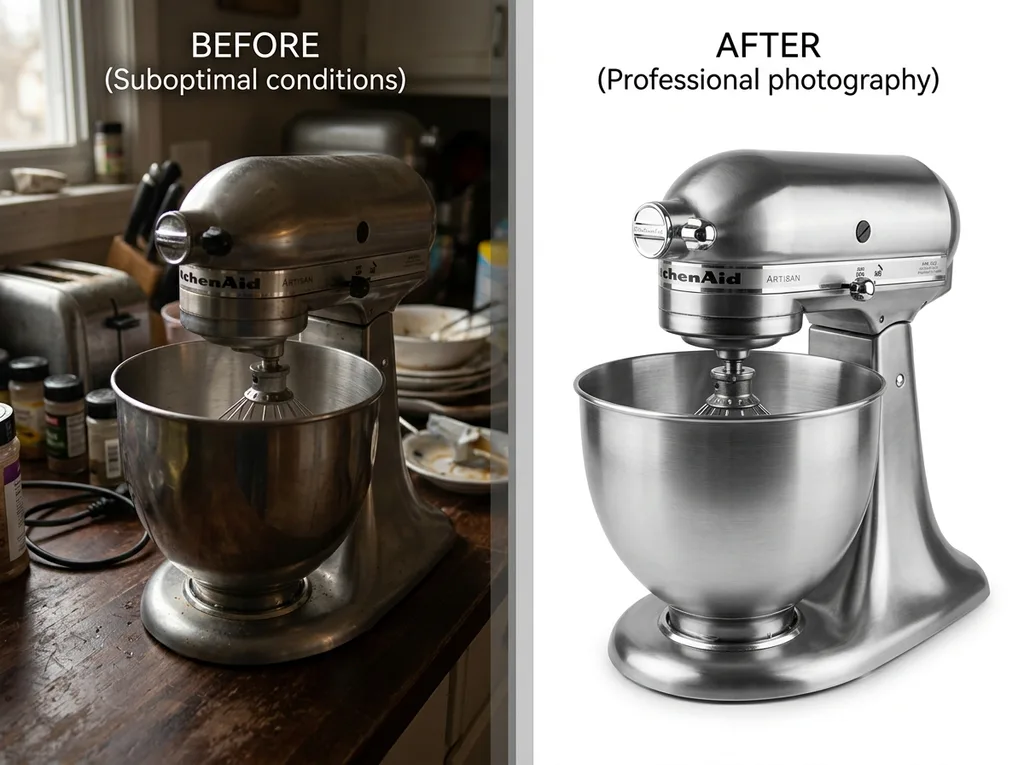
Original product photo with cluttered background AI-enhanced version with clean white background, ready for marketplace listing
Platform Image Requirements Bulk Processing Speed & Reliability

Marketplace-Ready Product Images: Remove Backgrounds, Upscale Quality, Export Compliance Packs

Tell 24.online what to fix — get images that meet Amazon, Walmart, Shopify, Etsy, and eBay requirements in minutes, not hours.

You

"Remove backgrounds and upscale all 47 SKUs in my summer collection to Amazon main image specs."

Single Batch Autopilot (Coming Soon)

Supported Marketplaces: Amazon, Walmart, eBay, Shopify, Etsy

Integrations With (Coming Soon)
Amazon marketplace logo Amazon
Walmart marketplace logo Walmart
eBay marketplace logo eBay
Shopify marketplace logo Shopify
Etsy marketplace logo Etsy
No Passwords Stored
Preview Before Publish
OFFICIAL SELLER APIS ONLY

Works for product listings, ad creatives, and storefront images.

Try It Now — One Image, Instant Results

See how 24.online transforms your product photos in seconds. Our AI image enhancer lets you remove backgrounds, upscale low-resolution files, and export marketplace-ready packs—all from a single upload. Whether you need a clean white background for Amazon or higher resolution for Shopify zoom, the processing happens automatically based on each platform's requirements.

Upload any product photo below to test our AI image upscaler for ecommerce. The original file stays untouched; you'll download a new, optimized version. Most images process in under 10 seconds. If you don't have a photo handy, try one of our sample images to see the quality before committing your own files.

What You Get: VISUALS OF YOUR PRODUCT, Optimized FOR ANY MARKETPLACE

Every file sized, formatted, and named to pass listing requirements — ready to apply or download.

When processing completes, you receive a complete marketplace image pack — not raw edits, but publication-ready files. Each image is resized to exact platform specifications, placed on a clean, compliant background with consistent padding, and optimized for sharpness and noise levels that meet listing standards

File names follow a clear, predictable structure tied to your SKUs, so uploads stay organized across your catalog. Export your product photo resize for listings in bulk, or apply changes directly to Amazon, Walmart, Shopify, Etsy, or eBay through a connected integration.

What Happens Next

  • 1 Preview
  • 2 Approve
  • 3
    Apply to marketplace or Download ZIP to your designer or agency
Works with SKU mapping and multi-variation catalogs.

Amazon Export Pack

ASIN_main.jpg 2000×2000 px, pure white background
ASIN_pt01.jpg lifestyle or infographic
ASIN_pt02.jpg scale or detail shot
ASIN_pt03.jpg feature callout
Format JPEG, sRGB
Naming Tied to ASIN or SKU

Walmart Export Pack

SKU_primary.jpg 2000×2000 px minimum, white background
SKU_secondary_01.jpg additional angle
SKU_secondary_02.jpg in-use context
SKU_secondary_03.jpg packaging or scale
Format JPEG or PNG, sRGB
Naming Matched to Walmart Item ID or SKU

Shopify Export Pack

SKU_main.jpg 2048×2048 px, square crop
SKU_alt_01.jpg alternate view
SKU_alt_02.jpg lifestyle context
SKU_alt_03.jpg detail or texture
Format JPEG, PNG, or WebP
Naming Synced to product handle or SKU

What We Actually Improve in Your Product Images

Every enhancement targets a specific outcome — cleaner edges, sharper details, marketplace-compliant backgrounds. Preview each change before it goes live.

Background Removal with Clean Cutout Edges

Isolate your product from any backdrop. Our AI traces complex shapes—hair, mesh, transparent materials—without jagged outlines or leftover halos.

What We Do:

Pixel-accurate edge detection that preserves fine textures like fabric weave, jewelry prongs, and translucent packaging. Automatic halo suppression around high-contrast boundaries. Output as PNG with transparency or layered PSD.

What We Don't Do:

We don't add elements that weren't in the original shot. No synthetic shadows, props, or context that could misrepresent your item. What you see is your actual product—nothing more.

Preview cutouts before export. Keep true colors intact.

Pure White and Consistent Backgrounds

Replace cluttered or off-white backdrops with a uniform pure-white (#FFFFFF) field that meets Amazon, Walmart, and eBay main-image requirements.

What We Do:

Convert gray, cream, or uneven studio backgrounds to exact RGB 255,255,255. Apply feathered blending so products sit naturally without harsh outlines. Batch-apply the same background standard across your entire catalog for visual consistency.

What We Don't Do:

We don't alter product colors to match the background. Your item's actual hue, texture, and finish stay exactly as photographed. No misleading edits—ever.

Side-by-side preview. Approve each image before publish.

Resolution Upscaling Without Artifacts

Turn low-resolution catalog photos into high-detail marketplace images. Our AI reconstructs texture and sharpness—no blurring, no pixelation, no fake detail injection.

What We Do:

Upscale listing images up to 4× original dimensions while preserving authentic texture grain. Ideal for legacy SKU photos that don't meet today's 1600 px or 2000 px requirements. Works on JPG, PNG, and TIFF inputs.

What We Don't Do:

We don't fabricate detail that wasn't captured in the original exposure. If source quality is extremely low, we flag it for reshoot instead of producing misleading results.

Compare before and after at 100% zoom. No surprises.

Consistent Crop, Margins, and Framing

Normalize product placement across hundreds of SKUs so every thumbnail looks professionally aligned in search grids.

What We Do:

Auto-detect product bounding boxes and apply uniform padding percentages. Center or rule-of-thirds positioning based on your preset. Ensure main images fill 85% of frame per Amazon guidelines—or any custom ratio you define.

What We Don't Do:

We don't crop out parts of your product or distort aspect ratios. If an image can't meet the target frame without cutting visible product area, we alert you before processing.

Define your framing rules once. Apply everywhere.

Web-Ready Compression and File Optimization

Reduce file size for faster page loads without visible quality loss. Meet marketplace byte-size limits while keeping images sharp on retina screens.

What We Do:

Smart lossy and lossless compression tuned for e-commerce: maintain edge sharpness on product photos while stripping unnecessary metadata. Output optimized JPGs under 10 MB (Amazon cap) or platform-specific targets.

What We Don't Do:

We don't over-compress to the point of color banding or smudged text on infographics. Quality thresholds are enforced automatically—images that would degrade too far get flagged instead.

Preview compressed output. Download only when satisfied.

Format Conversion and Multi-Platform Export

Convert source files to marketplace-required formats—JPG, PNG, or WebP—with correct color profiles and naming conventions in one batch.

What We Do:

Auto-convert RAW, TIFF, PSD, or HEIC inputs to sRGB JPG or PNG. Apply platform-specific naming (ASIN_MAIN, UPC_01) and organize exports into labeled folders or a single ZIP ready for Seller Central, Walmart Item Spec 5.0, or Shopify bulk upload.

What We Don't Do:

We don't strip embedded color profiles without warning. If your source is Adobe RGB or ProPhoto, we convert accurately to sRGB and show you the shift before finalizing.

Preview before publish. Download marketplace-ready packs.

Real Results: Before and After

Browse actual transformations by issue type or product category. Every example started as a real upload with real problems—and left ready for listing.

Original image of kitchen product with cluttered background Enhanced kitchen product on pure white background
Problem

Cluttered kitchen background with competing colors

Result

Clean white isolation with preserved natural shadow

Meets Amazon main image white background requirement
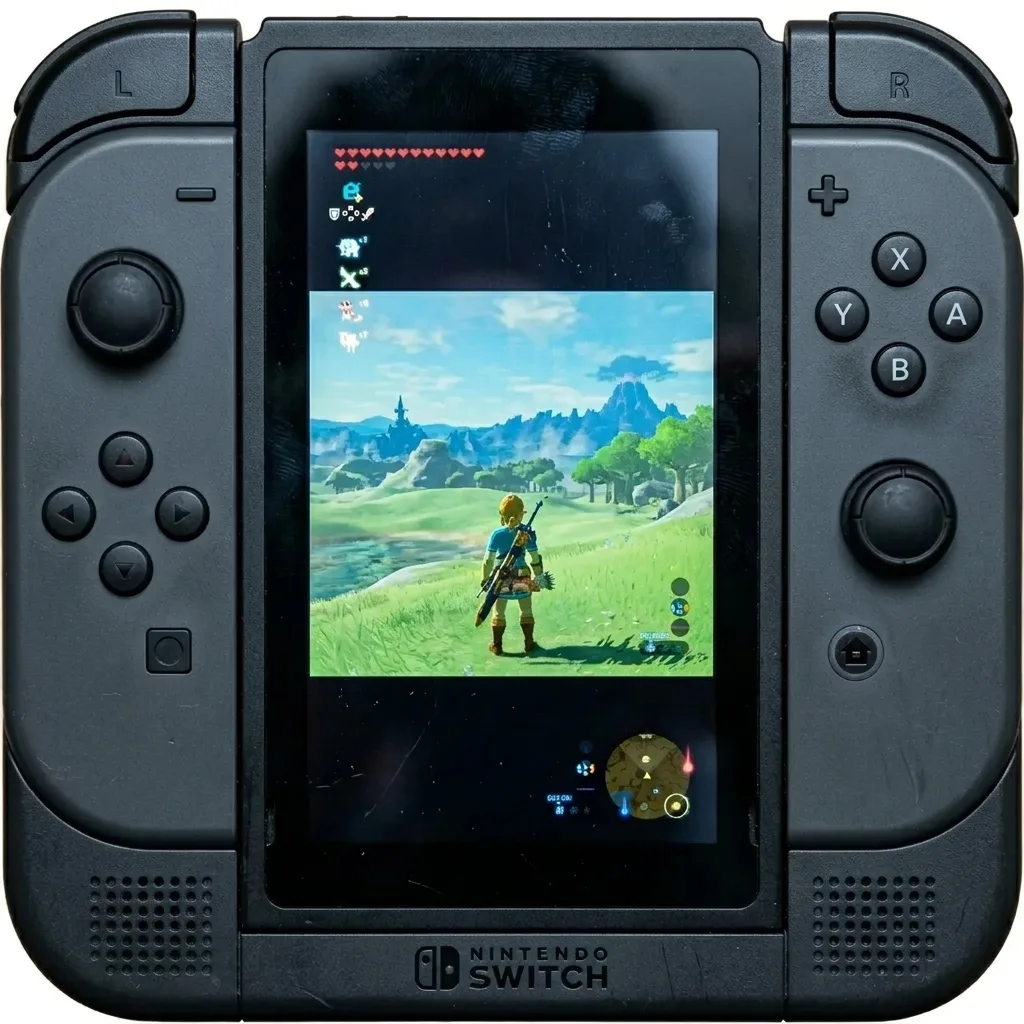
Blurry, low resolution electronics product Sharp, high resolution electronics product
Problem

Low-res phone upload, visible compression artifacts

Result

Upscaled to 2000px with restored edge sharpness

Passes Walmart zoom threshold for product detail pages
Jewelry with harsh glare and hot spots Jewelry with balanced, soft lighting
Problem

Harsh overhead lighting creating hot spots on metal

Result

Balanced exposure with accurate silver tone reproduction

Jewelry photos pass eBay and Etsy quality checks
Product taking up too much of the frame Properly padded product in a square frame
Problem

Product cropped too tight, no padding for mobile display

Result

Reframed to square crop with 85% product fill

Optimized for Shopify grid and Amazon gallery thumbnails
Beauty product with yellowish color cast Beauty product with accurate, neutral colors
Problem

Mixed indoor lighting causing yellow-green color cast

Result

True-to-product color with neutral white point

Critical for beauty listings where shade accuracy drives returns
Product with harsh, dark shadows behind it Product with a professional, soft drop shadow
Problem

Distracting hard shadow from flash photography

Result

Soft drop shadow added for depth without distraction

Complies with Amazon shadow guidelines for main images
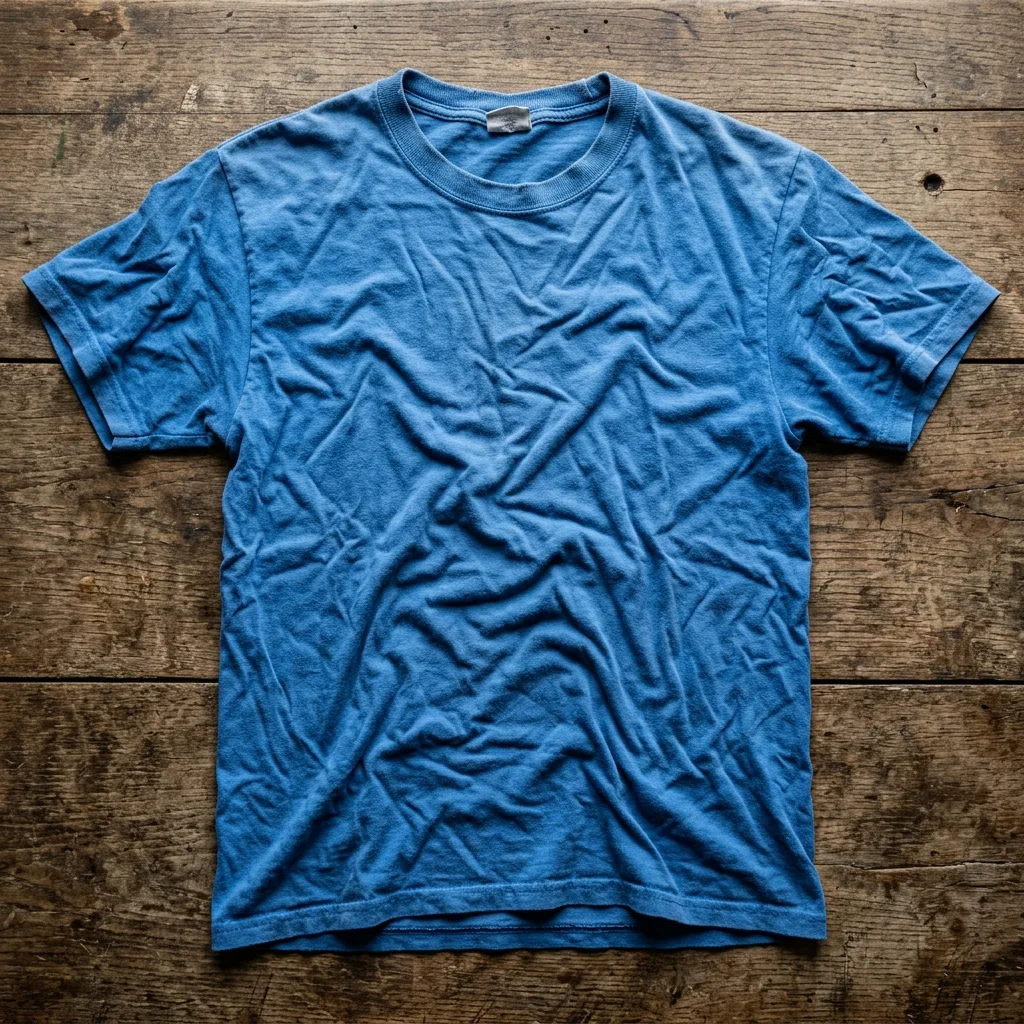
Wrinkled clothing item on a flat surface Smooth, professional looking clothing item
Problem

Wrinkled fabric and uneven surface from flat lay

Result

Smoothed texture with natural drape appearance retained

Apparel images ready for Walmart and Amazon Fashion
Dark, blurry toy on a gray background Bright, sharp toy on a pure white background
Problem

Multiple issues: gray background, underexposure, slight blur

Result

Full enhancement: isolated, brightened, sharpened in one pass

Single upload, all five marketplace formats exported
Toy packaging with heavy light glare Clear toy packaging with glare removed
Problem

Toy packaging glare obscuring product name

Result

Glare reduced while keeping authentic packaging visible

Maintains required branding for licensed product listings
Tiny earring in the middle of a large empty frame Properly zoomed and centered earring
Problem

Small earring lost in oversized frame

Result

Centered composition with consistent padding on all sides

Thumbnail visibility improved for Etsy search results

Marketplace Image Requirements: What Gets Approved and What Gets Rejected

Every marketplace enforces strict image standards. Listings with non-compliant photos face suppression, reduced visibility, or outright rejection — problems that cost sellers time, sales, and ranking momentum. The requirements below cover main images and gallery images for Amazon, Walmart, Shopify, Etsy, and eBay. 24.online validates your images against these rules automatically and fixes common issues—background removal, resizing, format conversion—before you publish.

Download Full Checklist (PDF)
Main Images Gallery Images

Amazon Product Image Requirements

Amazon's image standards prioritize clarity, professionalism, and a distraction-free shopping experience. Main images must use a pure white background (RGB 255, 255, 255), show only the product being sold, and fill at least 85% of the frame. Minimum resolution is 1,000 pixels on the longest side to enable zoom functionality—images below this threshold lose the zoom feature entirely, which measurably reduces conversion rates. Accepted formats include JPEG, PNG, GIF, and TIFF; file names must contain the product identifier (ASIN, UPC, or SKU) followed by a period and the file extension.

Gallery images allow lifestyle shots, infographics, size charts, and alternate angles, but Amazon prohibits watermarks, logos, promotional text ("Sale," "Free Shipping"), and any content that misleads buyers about what they will receive. Images depicting accessories or items not included in the listing are flagged during moderation.

Correct
Compliant Amazon Main Image with white background
Pure white background, product fills 87% of frame, 2,000 × 2,000 px JPEG with ASIN in filename. Zoom-enabled and compliant.
Rejected
Non-compliant Amazon image with off-white background
Off-white background (RGB 248, 248, 248), product occupies only 60% of frame, 800 × 800 px. Rejected: background not pure white, below zoom threshold, insufficient product coverage.

Why it's wrong

Amazon's algorithm detects background color variance. Even slight deviations from pure white trigger rejection. Images under 1,000 px disable zoom, which lowers conversion by up to 25%.

Last reviewed: May 2025. Based on Amazon Seller Central image guidelines.
Main Images Gallery Images

Walmart Marketplace Image Guidelines

Walmart requires high-resolution product images with a minimum of 2,000 × 2,000 pixels—higher than Amazon's threshold. Main images must feature a pure white background, and the product should occupy at least 80% of the image area. Walmart accepts JPEG, PNG, and GIF formats; maximum file size is 5 MB. All images must be free of watermarks, borders, promotional badges, and seller logos.

Common rejection causes on Walmart include low resolution (the leading reason for image suppression), colored or gradient backgrounds, and lifestyle photography used as the main image. Gallery images may include in-context shots, but Walmart penalizes listings where secondary images contain pricing information or competitor references. Item Spec 5.0 compliance also requires consistent aspect ratios across all images.

Correct
Compliant Walmart Main Image at 2400px
2,400 × 2,400 px PNG, pure white background, product centered at 82% frame coverage, no badges or overlays.
Rejected
Non-compliant Walmart image with badge
1,200 × 1,200 px JPEG with light gray background, "Best Seller" badge in corner. Rejected: below 2,000 px minimum, background not white, prohibited promotional overlay.

Why it's wrong

Walmart's automated moderation flags images under 2,000 px as "low quality" and suppresses them from search. Promotional text triggers immediate rejection under Marketplace Prohibited Content Policy.

Last reviewed: May 2025. Based on Walmart Marketplace Seller Help Center and Item Spec 5.0.
Main Images Gallery Images

Shopify Product Image Best Practices

Shopify does not enforce image requirements through automated moderation the way Amazon and Walmart do—but image quality directly affects store credibility, page load speed, and conversion rates. Shopify recommends square images (1:1 aspect ratio) at 2,048 × 2,048 pixels for optimal display across themes and devices. Accepted formats are JPEG, PNG, GIF, and WebP; maximum file size is 20 MB.

Consistency matters more on Shopify than on aggregated marketplaces. Stores with mixed aspect ratios, inconsistent backgrounds, or varying image styles appear unprofessional and experience higher bounce rates. For stores selling across multiple channels (Shopify + Amazon + Walmart), maintaining separate image sets that meet each platform's rules becomes operationally complex without automation.

Correct
Optimized Shopify square image
2,048 × 2,048 px square JPEG, consistent neutral background matching store theme, optimized file size under 500 KB for fast loading.
Rejected
Unoptimized Shopify image with wrong aspect ratio
4:3 aspect ratio image at 800 × 600 px, different background color than other products, 3.2 MB uncompressed file causing slow page load.

Why it's wrong

Non-square images display inconsistently across Shopify themes, creating visual clutter on collection pages. Large file sizes slow page load, increasing bounce rates.

Last reviewed: May 2025. Based on Shopify Help Center documentation.
Main Images Gallery Images

Etsy Listing Photo Requirements

Etsy requires listing images to be at least 2,000 pixels wide for zoom functionality and recommends a 4:3 or 3:2 aspect ratio for optimal display in search results. The platform accepts JPEG, PNG, and GIF formats with a maximum file size of 10 MB per image. Unlike Amazon and Walmart, Etsy does not mandate white backgrounds—lifestyle and styled photography often performs better because buyers expect handmade items in context.

However, Etsy's search algorithm factors image quality into listing visibility. Blurry photos, poor lighting, cluttered backgrounds, and inconsistent image sets rank lower in search results. The first listing photo appears as the thumbnail in search, making it the most critical image for click-through rate. Etsy also penalizes stock photography and digitally generated images.

Correct
High-quality Etsy lifestyle photo
3,000 × 2,250 px JPEG (4:3 ratio), natural lighting, styled background consistent with brand aesthetic, product clearly visible and in focus.
Rejected
Poor quality Etsy photo with harsh flash
1,500 × 1,000 px image with harsh flash lighting, busy patterned background competing with product, slight blur on product edges.

Why it's wrong

Etsy's search ranking algorithm deprioritizes low-resolution and poorly lit images. Busy backgrounds reduce visual clarity in thumbnail view, lowering click-through rates.

Last reviewed: May 2025. Based on Etsy Seller Handbook and Search Algorithm.
Main Images Gallery Images

eBay Picture Policy and Photo Guidelines

eBay's picture policy requires a minimum of 500 pixels on the longest side, but images under 800 pixels do not qualify for the zoom function—and eBay recommends 1,600 pixels or higher for best results. Accepted formats include JPEG, PNG, GIF, TIFF, and BMP. Main images must show the actual item being sold; stock photos are permitted only for new, unopened items in original packaging.

eBay prohibits borders, text overlays, watermarks, and marketing graphics on listing images. Photos with added frames, promotional banners ("Free Shipping!"), or seller branding are removed or flagged. For used items, eBay requires photos of the actual item—not representative images—and expects sellers to photograph any defects, wear, or damage.

Correct
Compliant eBay photo of actual item
1,600 × 1,200 px JPEG of actual item, clean neutral background, no overlays or borders, zoom-enabled.
Rejected
Non-compliant eBay photo with watermark
600 × 450 px image with seller logo watermark and "Ships Fast!" text banner, stock photo used for a pre-owned item.

Why it's wrong

eBay's moderation system removes images with watermarks and promotional text. Using stock photos for used items violates eBay's authenticity standards.

Last reviewed: May 2025. Based on eBay Picture Policy and Seller Standards.

Manually checking every image against five different sets of marketplace rules slows down catalog launches and creates room for costly errors. 24.online scans your product images, identifies compliance gaps, and applies automatic fixes—background replacement, resolution upscaling, format conversion, and proper file naming—so your listings go live without rejection delays.

Generate a Compliant Image Pack

Marketplace-Ready Export Packs

One catalog. Every platform. ZIP and upload.

A marketplace export pack is more than a batch resize. Each pack bundles the exact specifications your target platform requires: file format, pixel dimensions, background rules, safe-zone padding, prohibited overlay elements, and a consistent naming convention that passes automated validation on upload. Define your pack once, apply it to any number of SKUs, and download a single ZIP archive you can drag straight into Seller Central, Walmart Item Spec, or any other listing interface—no manual renaming, no rejected uploads, no wasted hours.

Build Your Pack

Select a marketplace, choose the pack type that matches your listing goals, and preview exactly what you will receive before processing begins. The interface displays the output file structure, aspect ratios, and sample filenames so you know the deliverable is upload-ready. On mobile, the builder walks you through each step individually to keep the experience clear and error-free.

Amazon Walmart eBay Etsy Shopify

Available Pack Types

Main Image Pack

Hero images formatted for each marketplace's primary slot. Pure white or transparent backgrounds, centered product placement, no badges or text overlays—compliant with the strictest main-image policies.

Scenario Context

Export an Amazon main image pack for 150 SKUs. Every file arrives at 2000 × 2000 pixels, sRGB color profile, JPEG format, pure white background, with filenames following the ASIN_MAIN pattern.

What You Download
amazon-main-pack.zip Ready
├── B0XXXXXX01_MAIN.jpg 2000×2000 sRGB RGB
├── B0XXXXXX02_MAIN.jpg 2000×2000 sRGB RGB
├── B0XXXXXX03_MAIN.jpg 2000×2000 sRGB RGB
└── manifest.csv
Amazon Main Image Example
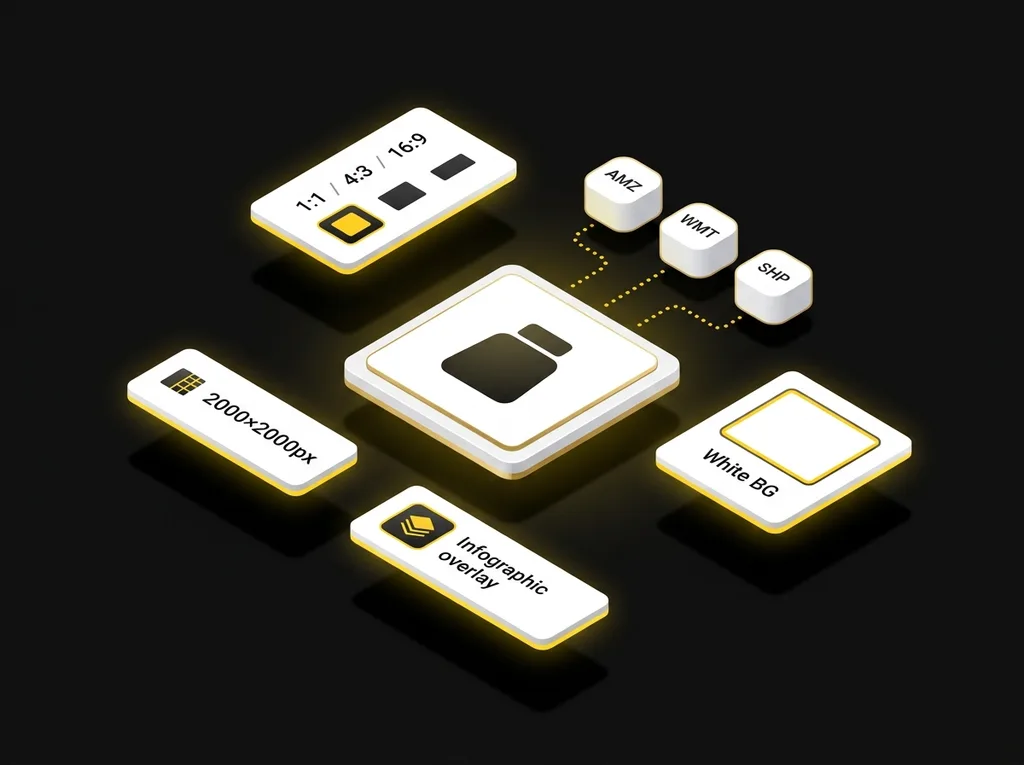
2000x2000px | sRGB | White BG

Manifest Note: Each ZIP includes a manifest file listing every processed SKU, original filename, output filename, dimensions, file size, and validation status—so you have a complete audit trail before upload.

Configure your pack, share the link with your team, and generate upload-ready assets whenever your catalog updates—no guesswork, no rejections, no rework.

Batch Image Processing for Entire Catalogs

Upload hundreds or thousands of product images. Define your rules once. Get marketplace-ready results — delivered continuously as each image completes.

Managing product images one by one isn't realistic when your catalog spans hundreds of SKUs, each with multiple variations and gallery slots. Batch mode in 24.online handles bulk background removal, catalog image optimization, and SKU image processing at scale — without requiring you to babysit every file. Connect your marketplace account, upload a ZIP archive, or import a CSV mapping your SKUs to source images. The system queues your jobs, processes them in parallel, and delivers results as a continuous stream so you can start reviewing (or publishing) before the entire batch finishes.

How Batch Processing Works

1

Connect or Upload

Link your Amazon, Walmart, Shopify, Etsy, or eBay seller account to pull existing catalog images directly. Alternatively, upload a ZIP file containing your source images or drag an entire folder from your desktop. For complex catalogs with parent-child relationships, import a CSV that maps each image filename to its corresponding SKU and variation (size, color, pack quantity). This ensures every processed image lands in the correct product slot—no manual matching required.

2

Define Rules Once

Set your processing parameters at the batch level: background removal style, target resolution, output format, marketplace-specific sizing, and naming conventions. Rules apply uniformly across all images in the job, guaranteeing a consistent visual standard. You can also filter by condition — for example, upscale only images below 1600 pixels or remove backgrounds only for main images.

3

Monitor Progress and Receive Results

A live dashboard displays each job's status: queued, processing, completed, or flagged for review. Results deliver continuously — finished images become available for download or one-click publishing the moment they're done, not after the entire batch completes. If any files fail (corrupt source, unsupported format, ambiguous SKU reference), errors appear in a plain-text list you can copy and share with your team.

Chat-Style Task Examples

"Fix all main images for SKUs in category Kitchen Appliances—remove backgrounds and upscale to 2000px."

"Make a Walmart-compliant square pack for every SKU missing a 1:1 image."

"Upscale low-res images only—skip anything already above 1500px on the longest side."

"Process the new Spring 2025 collection ZIP and apply lifestyle background preset B."

SKU and Variation Support

Large sellers rarely deal with single-image products. A single SKU might require a main image, six gallery shots, and separate assets for each color or size variation. Batch mode in 24.online respects parent-child hierarchies and variation attributes defined in your CSV or pulled from your connected marketplace account. Processed images maintain their SKU associations, so when you publish, the correct image reaches the correct variation listing—automatically.

CSV Mapping Template

The template includes four columns: filename (matching your ZIP contents), SKU, variation_id (optional, for child ASINs or variant identifiers), and image_slot (main, gallery_1 through gallery_8, or swatch). Fill in the mapping, save as UTF-8 CSV, and upload alongside your image archive. The system validates your file on import and flags any mismatches before processing begins.

Download CSV Template
Live Batch Queue
Monitoring
Processing 68%

Images currently being enhanced. Progress bar updates in real time.

Partially Completed Review Ready

Some images delivered; others still processing. Available results ready for review now.

Queued Waiting

Job received and waiting for available processing capacity.

Completed
100%

All images finished. Download ZIP or publish directly to connected marketplaces.

Errors Detected
Action Required

One or more files failed. Review the error list, correct source issues, and resubmit.

Error Handling

Not every source image will process cleanly. When a file fails—due to corruption, an unsupported format like TIFF with unusual compression, or a missing SKU reference—24.online logs the error with a clear explanation. Errors display as a copyable list directly on the page, not hidden inside a modal. You can export this list, fix the underlying issues, and re-upload only the affected files without reprocessing your entire batch.

Batch duration depends on image count, resolution, and selected enhancements. Typical throughput and priority tiers are detailed in the SLA and Reliability section below. For step-by-step instructions on launching your first batch job, see How It Works in 24.online.

error_log_batch_942.txt
[ERROR] line 42: filename "IMG_9921.TIFF" - unsupported compression
[ERROR] line 89: SKU "KTCHN-BLND-01" not found in catalog
[ERROR] line 156: file "gallery_4.jpg" is corrupted or 0 bytes
[ERROR] line 301: variation "Size_XL" missing main image mapping

How to Optimize Product Images in 24.online: From Chat Request to Publication

Preparing marketplace-ready images typically involves multiple tools, manual exports, and constant format juggling. 24.online replaces that workflow with a single conversation. Tell the AI what you need, review the results, and publish—or let autopilot handle it. Here's how to remove backgrounds in bulk, resize for compliance, and push polished visuals to your listings in five steps.

  1. 1

    Connect Your Store (Coming soon)

    Link your Amazon, Walmart, Shopify, Etsy, or eBay seller account through secure OAuth. 24.online gains read/write access to your catalog—no passwords stored, only encrypted tokens. Once connected, the AI can pull your existing product images and push optimized versions back to each marketplace automatically.

    Dashboard showing successful connection to multiple ecommerce marketplaces via OAuth
  2. 2

    Select SKUs or Upload Images

    Tell the AI which products need attention. You can reference SKUs already synced from your store, filter by category or performance metrics, or simply drag and drop new images into the chat. The AI parses your request and queues the right files for processing.

    Example command
    "Enhance all main images for my kitchen SKUs that scored below 70 on listing quality."
    Batch example
    "Remove backgrounds and upscale every image in the Summer-2025 folder, then apply the Amazon main-image pack."
    Chat interface showing a user selecting SKUs and uploading product images
  3. 3

    Choose Marketplace Pack and Rules

    Select a destination—Amazon US, Walmart Item Spec 5.0, Shopify storefront, or another channel—and 24.online applies the correct resolution, aspect ratio, background, and file-naming conventions. You can also set brand-specific rules: minimum resolution thresholds, required white-background treatment, or automatic infographic overlays.

    Settings panel for selecting Amazon and Walmart compliance rules and image packs
  4. 4

    Preview and Approve

    Before anything goes live, the AI displays side-by-side comparisons of original and enhanced images. Review each result, request adjustments in plain language, or approve the batch with one click. If you prefer hands-off operation, enable autopilot mode: the system applies changes automatically within rules you define, while every action is logged in a searchable audit log for full transparency.

    Approval vs. Autopilot

    Choose manual approval for maximum control over each image, or switch to autopilot and let the AI publish images that pass your predefined quality thresholds—without waiting for manual sign-off.

    Audit Log

    Every enhancement, approval, and publication is timestamped and recorded. Roll back any change instantly and maintain a complete history for compliance or team review.

    Before and after side-by-side preview of a product image with an approval button
  5. 5

    Apply to Marketplace or Download

    Push the finalized images directly to your connected listings—Amazon, Walmart, Shopify, Etsy, eBay—with a single confirmation. Alternatively, download a ZIP archive organized by SKU, variation, and marketplace-specific naming so your team or external partners can upload manually. Either way, you walk away with images that meet every platform requirement and are ready to convert shoppers.

    Success screen showing optimized images published to Amazon and a download ZIP option

That's how to prepare marketplace-ready images without juggling separate editing tools, export settings, or compliance checklists. Ask the AI, review, publish—done.

Start Now

Control and Automation

Set rules, preview before publish, and track every change with a full audit log

You stay in control. 24.online processes images according to your rules—never beyond them. Define guardrails once, preview every enhancement before it goes live, and review a complete action log whenever you need it. Whether you prefer hands-free autopilot or manual approval for each batch, the system adapts to your workflow, not the other way around.

Rules

Create image-specific guardrails that 24.online follows on every job. Rules run automatically before any output is finalized, so unwanted changes never reach your listings.

Preserve product color

Never alter or shift the original color of the product.
No overlays on main image

Do not add text, badges, logos, or watermarks to the primary listing photo.

Uniform background

Apply white (#FFFFFF) background to all main images in batch.

Upscale threshold

Upscale only images below 1600 px on the longest side.

Keep originals

Save unmodified source files to a separate archive folder.

Production-Grade Quality and Brand Consistency in Every Image

Automated validation, intelligent presets, and pixel-perfect edge cleanup — so your catalog looks cohesive across every marketplace.

Removing a background is easy. Removing it cleanly—without halos, jagged edges, or color artifacts—requires precision that scales. 24.online applies production-level retouching standards to every image, automatically validating output quality before you ever see it. The result: a consistent look across your catalog, whether you're processing ten images or ten thousand.


Product photo before automated background removal, showing uneven lighting and noise Product photo after processing, showing a clean white background and perfect edges
Magnified view of product edges showing pixel-perfect cutout quality

Defects We Catch and Correct

Our edge-cleanup algorithms detect and smooth pixelated outlines, eliminating the telltale "cutout look" that undermines product credibility.
Even subtle white or colored halos around objects get flagged and removed, ensuring your product sits cleanly on any background.
Low-quality source files are enhanced automatically, reducing grain and JPEG artifacts without sacrificing detail.
White-background processing can wash out product colors. Our system preserves original color accuracy and corrects blown-out highlights.
Products shot at different distances appear mismatched in galleries. Automated framing normalizes scale so every SKU occupies consistent visual space.

Brand Style Presets

Define your visual standard once, then apply it everywhere. Brand presets let you lock in background color, shadow style, padding ratios, and object positioning—so every image matches your catalog's aesthetic automatically.

Example of a product shot with the Clean White preset

Clean White

Pure white background, centered product, no shadow. Meets Amazon main-image requirements.

Example of a product shot with the Soft Shadow preset

Soft Shadow

White background with subtle drop shadow for depth. Ideal for lifestyle feel without clutter.

Example of a product shot with a custom brand color background

Custom Brand

Your own background hex, padding, and positioning rules. Consistent identity across all channels.

Safe Editing with Instant Preview

Every enhancement runs against a preview first. Your original files remain untouched until you approve changes. Review edge quality at full zoom, compare side-by-side, and publish only when you're satisfied. No guesswork, no irreversible edits.

Edge Quality Verified Background Validated Color Accuracy Checked Scale Normalized Original Preserved

Consistency Across Marketplaces

The same product should look the same everywhere—even when Amazon, Walmart, and Shopify each demand different specs. 24.online applies your quality rules and brand presets first, then exports optimized versions for each platform. One source of truth, multiple outputs, zero visual drift.

Clean cutouts and brand-consistent retouching aren't details—they're the foundation of catalog credibility. 24.online builds that foundation automatically, at scale, so you can focus on selling instead of pixel-hunting.

Processing SLA and Platform Reliability

Predictable turnaround times, priority queues, and transparent performance commitments for bulk product image processing.

When you process thousands of product images for Amazon, Walmart, Shopify, or any other marketplace, you need more than speed — you need guarantees. 24.online publishes clear service level commitments for every plan tier, so you can schedule catalog updates, plan launches, and meet retailer deadlines without guesswork. Our SLA covers batch turnaround time, queue priority, daily throughput capacity, and exactly what happens if something goes wrong.

SLA commitments scale with your plan tier. Higher tiers unlock faster processing, dedicated queue priority, and guaranteed daily throughput for enterprise catalogs. All plans include automatic retry on transient failures, real-time status tracking, and full transparency through processing logs.

Free

$0/mo

Entry access for lightweight marketplace workflows

100 refresh credits daily

  • Product scoring
  • Product image creation & enhancement
  • Feature infographics design
  • Product video creation
  • Product text creation & optimization
  • Marketplace search optimization
  • Full product page creation from scratch

1 concurrent task

Basic

$19/mo

For individual sellers who need consistent catalog optimization

1900 credits + 900 extra *

  • 100 refresh credits daily
  • Product scoring
  • Product image creation & enhancement
  • Feature infographics design
  • Product video creation
  • Product text creation & optimization
  • Marketplace search optimization
  • Full product page creation from scratch
  • AI search visibility

2 concurrent tasks

Plus

Best value

$39/mo

Best balance of scale and speed for growing marketplace teams

3900 credits + 1900 extra *

  • 100 refresh credits daily
  • Product scoring
  • Product image creation & enhancement
  • Feature infographics design
  • Product video creation
  • Product text creation & optimization
  • Marketplace search optimization
  • Full product page creation from scratch
  • AI search visibility

3 concurrent tasks

Pro

$149/mo

Advanced throughput for serious marketplace operators

14900 credits + 9900 extra *

  • 100 refresh credits daily
  • Product scoring
  • Product image creation & enhancement
  • Feature infographics design
  • Product video creation
  • Product text creation & optimization
  • Marketplace search optimization
  • Full product page creation from scratch
  • AI search visibility
  • Competitor analysis & insights

10 concurrent tasks

Enterprise

Custom

For large catalogs, custom integrations, and team governance

100 refresh credits daily

  • Custom workflow creation
  • Team collaboration & shared dashboards
  • Custom integrations (PIM, DAM, CMS, BI)
  • Closed data lake for secure asset storage
  • Advanced usage analytics and admin control
  • Enterprise rollout and marketplace alignment
  • Invoice-based payments
  • Audit and compliance tools

100 concurrent tasks

What Happens When Something Fails

Every image processing job is tracked end-to-end. If a transient error occurs—network timeout, temporary service disruption, or unexpected file issue—24.online automatically retries the affected images without requiring manual intervention. You receive a notification explaining what happened and confirming successful reprocessing. For persistent failures, detailed error logs identify the root cause (corrupt source file, unsupported format, or platform-side issue), so you can resolve problems quickly. Enterprise customers receive proactive incident alerts and direct escalation to engineering when needed. All actions are recorded in a transparent processing log accessible from your dashboard.

Guaranteed Daily Throughput for Large Catalogs

Brands and retailers managing tens of thousands of SKUs need predictable capacity, not best-effort queues. Business and Enterprise plans include guaranteed daily image throughput—a committed number of images processed within your SLA window every day, regardless of platform load. This means you can confidently schedule large catalog refreshes, seasonal updates, or new product launches without competing for shared resources. Enterprise contracts support custom throughput agreements for catalogs exceeding 10,000 images per day.

SLA Scope and Conditions

Turnaround times apply to standard enhancement operations (background removal, upscaling, format conversion, and marketplace-specific exports) under normal platform conditions. Complex operations—such as AI-generated lifestyle scenes or multi-variant composite images—may require additional processing time proportional to output complexity. Published SLA commitments assume compliant source files; images requiring manual review due to quality issues or policy flags are handled separately. Current SLA metrics and real-time platform status are available on our public status page.

Data Security and Privacy

How 24.online protects your credentials, images, and marketplace connections

When you connect Amazon, Walmart, Shopify, Etsy, or eBay, you authorize 24.online directly on the marketplace's secure login page. The marketplace issues a scoped access token—not your username or password. You can revoke this access at any time from your marketplace account settings without contacting us.

Access tokens are encrypted at rest and in transit using AES-256 and TLS 1.3. Tokens are scoped to specific operations (catalog read/write, media upload) and never include access to payment data, customer information, or order fulfillment. Token refresh and expiration are handled automatically; if a token is revoked or expires, 24.online prompts you to reauthorize rather than retaining stale credentials.

Account owners assign roles—Viewer, Editor, or Admin—to team members. Viewers can preview enhanced images but cannot publish. Editors can approve and queue changes. Admins manage marketplace connections and billing. For agencies managing multiple seller accounts, each client workspace is fully isolated: team members see only the brands they're assigned to, and cross-account data access is blocked by default.

By default, source images and enhanced outputs are retained for 90 days to support revision history and re-export. You can shorten this window in account settings or request immediate deletion of specific files. Once deleted, images are purged from active storage and backups within 30 calendar days. Processed images published to marketplaces remain on those platforms under your seller account and are not affected by deletion requests to 24.online.

Full Audit Trail

Every enhancement, approval, and publish action is logged with timestamp, user, and affected SKUs. Export logs anytime for internal compliance reviews or marketplace disputes.

Enterprise

Enterprise & Agency Requirements

Need a Data Processing Agreement, custom data retention windows, or NDA terms? Contact our team to discuss DPA execution, SOC 2 documentation requests, and tailored security configurations for high-volume or regulated sellers.

Request Enterprise Security Documentation

For automated publishing safeguards, see Control and Automation .

Simple, Predictable Pricing for Image Processing

Every image enhancement in 24.online runs on credits—a straightforward unit that reflects the actual work performed. You always see the estimated cost before any batch starts, and you can adjust settings or scope until the numbers feel right. No surprises, no hidden fees, no post-processing invoices.

How Credits Work

Credits are deducted per operation, not per image. Removing a background is one operation; upscaling to 2000 px is another. If you run both on the same photo, both count. This granular model means you pay only for what you actually need—skip an operation, keep those credits.

On the free plan, your account refreshes with 100 credits every day. Use them or lose them—unused daily credits don't roll over. Paid plans add a monthly credit package on top of your daily refresh, giving you the buffer to handle larger catalogs or seasonal spikes without watching the clock.

Before you launch any batch job, the system shows an estimated credit total based on image count, selected operations, and target marketplace. You can toggle operations on or off, change the marketplace preset, or trim the file list—then watch the estimate update instantly. When the number looks right, confirm and go.

Estimate Your Credit Usage

50
10 500+
Estimated credits100
Start Free

Sample Estimate

Processing 50 product images with background removal and Amazon formatting typically costs around 150–200 credits, depending on source file complexity. A free-plan user could complete this job over two days using daily refreshes alone; a paid-plan user with a monthly package would finish in a single batch. Exact credit costs vary by operation—try the interactive calculator above or start a test batch in the demo to see real numbers for your files.

Frequently Asked Questions

Yes. Amazon requires main images to have a pure white background (RGB 255, 255, 255), so removing or replacing the original background with white is not only allowed but necessary for compliance. 24.online performs this automatically and validates the final result against Amazon's main image requirements before delivery.
Walmart requires images to be at least 1000 × 1000 pixels for zoom functionality, with 2000 × 2000 pixels recommended for optimal clarity. Images must use a 1:1 square ratio for primary product photos. 24.online automatically resizes and pads images to meet Walmart Item Spec 5.0 without distorting the product.
Amazon requires a minimum of 1000 pixels on the longest side for zoom activation, but 1600 pixels or more is recommended for full zoom detail. Images below this threshold may display without zoom, reducing buyer confidence. 24.online upscales images to meet zoom requirements while preserving sharpness using AI-powered enhancement.
Yes. 24.online retains your original uploaded files separately from processed outputs. You can access, re-download, or reprocess originals at any time from your asset library without re-uploading.
24.online accepts JPEG, PNG, TIFF, WebP, and HEIC uploads. Outputs are delivered in marketplace-compliant formats—typically JPEG or PNG depending on transparency requirements and platform specifications. You can also request specific output formats per marketplace in your export settings.
Upload a ZIP file or connect your product feed, then apply enhancement settings across all images in a single request. 24.online processes images in parallel and groups outputs by SKU, so you receive organized, ready-to-publish files. Batch jobs run in the background; you can monitor progress and download results when complete.
Yes. When you upload or import images, 24.online groups them by parent SKU and variation identifiers (size, color, style). Each variation receives consistent enhancement settings while maintaining individual file outputs. This ensures uniform visual presentation across your entire product family.
For main images, 24.online defaults to pure white (RGB 255, 255, 255) as required by most marketplaces. For secondary and lifestyle images, you can specify custom background colors, gradients, or contextual scenes. Background preferences can be saved as presets and applied automatically to future uploads.
The enhancement pipeline uses color-calibrated processing that preserves original product hues during background removal, lighting normalization, and upscaling. Before finalizing, the system compares output color values against the source image to flag any significant drift. You can review side-by-side previews and request adjustments before approving.
Every processed image generates a preview that you can inspect before publishing to any marketplace. If results don't meet expectations, you can reject individual images, adjust settings, and reprocess without additional credit charges. Full version history is retained, so you can revert to any previous output at any time.
Individual files can be up to 50 MB each. Batch uploads support up to 10,000 images per job, with no monthly processing cap on paid plans. Free-tier accounts are limited by daily credit refresh; higher-tier plans include priority queue access for large-volume processing.
Standard processing completes within 60 seconds per image for single uploads and scales linearly for batch jobs. Priority processing on Business and Enterprise plans reduces queue time during peak hours. Uptime is guaranteed at 99.9% monthly, with automated failover and status notifications if delays occur.
24.online validates every output against each platform's published image requirements—including background color, minimum resolution, aspect ratio, and file format—before delivery. While this significantly reduces rejection rates, final moderation decisions remain with each marketplace. If an image is rejected, you can reprocess with adjusted settings at no extra cost.
Yes. A single source image can be exported simultaneously to Amazon, Walmart, Shopify, Etsy, and eBay formats. 24.online generates platform-specific versions with correct dimensions, naming conventions, and file types, packaged in labeled folders or a single ZIP download.
The background removal model is trained on product photography, including items with intricate edges such as jewelry, apparel, and electronics. Fine details like hair, mesh, or translucent materials are processed using edge-refinement algorithms. For particularly complex cases, you can flag images for manual review before publishing.
Each image processed consumes credits based on the operations applied—background removal, upscaling, format conversion, and batch packaging each have defined credit costs. Free accounts receive 100 credits daily via automatic refresh. Paid plans include a monthly credit allocation plus the daily refresh, with rollover and top-up options available.

Make your listing images compliant — in minutes

Upload your product photos, and 24.online handles the rest: background removal, resolution upscaling, format conversion, and compliance checks for Amazon, Walmart, Shopify, Etsy, and eBay. Start with a single image to see the results instantly, or connect your seller account to process your entire catalog in one batch. No design skills required — just AI image enhancement that meets every marketplace standard.

24.online Agent Workspace

Enhance these product photos for Amazon compliance. Remove backgrounds and upscale to 2000px.

Done! Images upscaled, backgrounds removed, and formatted to meet Amazon's strict requirements. Ready for upload.

AI enhanced product image ready for marketplace publishing
Compliant 2000x2000px

Integrate AI Content Generation Into Your Workflow

A production-ready product description API and SDK for teams that build their own content pipelines.

Large brands and agencies rarely publish listings from a standalone tool. Content moves through approval workflows, PIM systems, translation layers, and proprietary dashboards before it ever reaches a marketplace. Our AI listing copy API is built for exactly this scenario. Connect once, then generate, review, and deploy listing copy programmatically—without leaving your existing stack.

What the API delivers

  • Pass brand voice rules, target keywords, character limits, and locale in a single request.
  • Receive multiple copy variants—titles, bullet points, and descriptions—ranked by compliance score.
  • Poll task status for bulk jobs or subscribe to webhooks for real-time completion events.
  • Pull final content in JSON, ready for your PIM, DAM, or direct marketplace integration.
POST /v1/generate
{
  "sku_id": "A1B2C3",
  "marketplace": "amazon_us",
  "locale": "en-US",
  "brand_voice": "professional",
  "keywords": ["wireless", "noise-canceling"],
  "max_title_length": 200,
  "variants": 3
}

Built for scale

Whether you manage 500 SKUs or 50,000, the ecommerce content generation API handles batch requests, queues jobs intelligently, and returns structured output your systems can parse without manual cleanup.